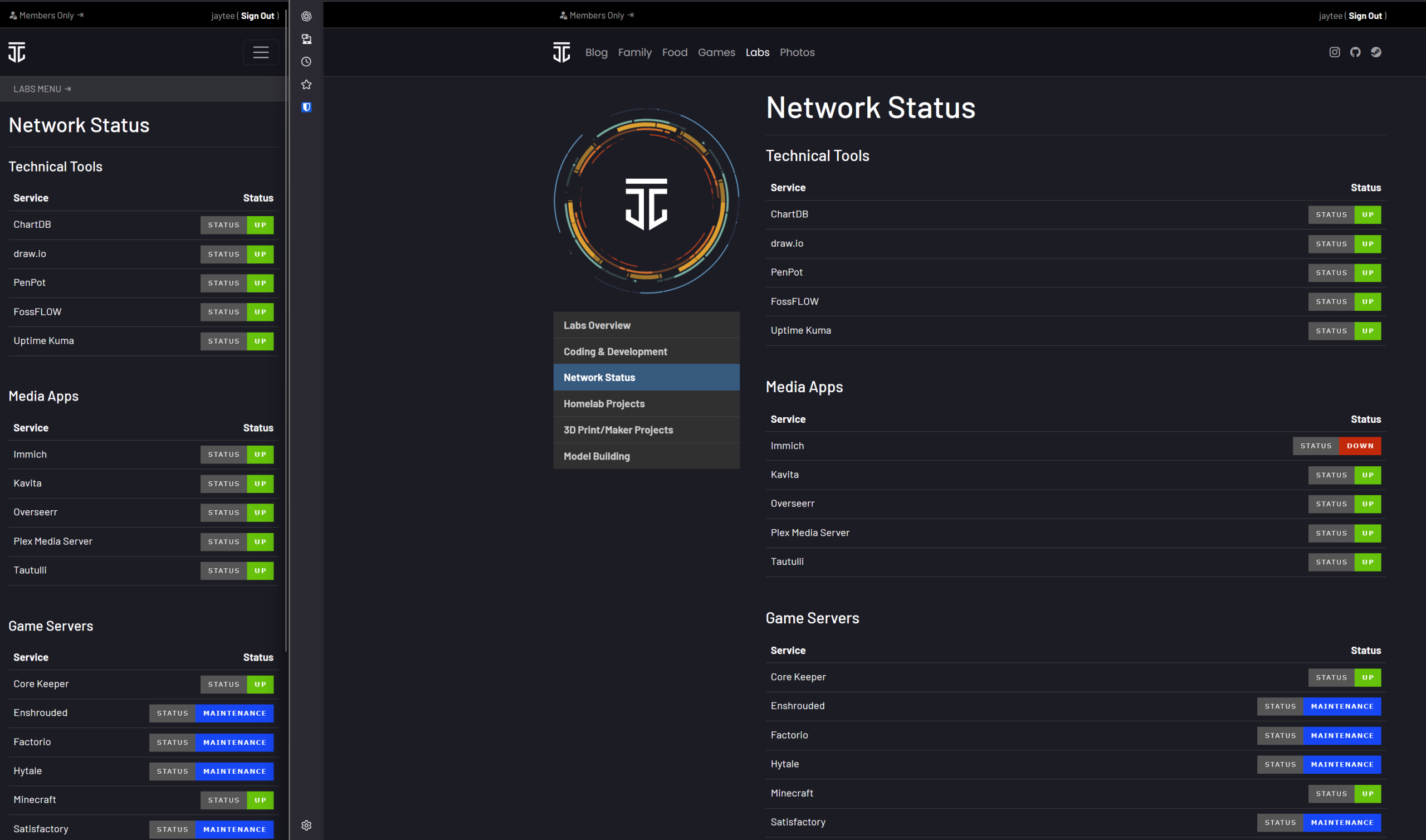
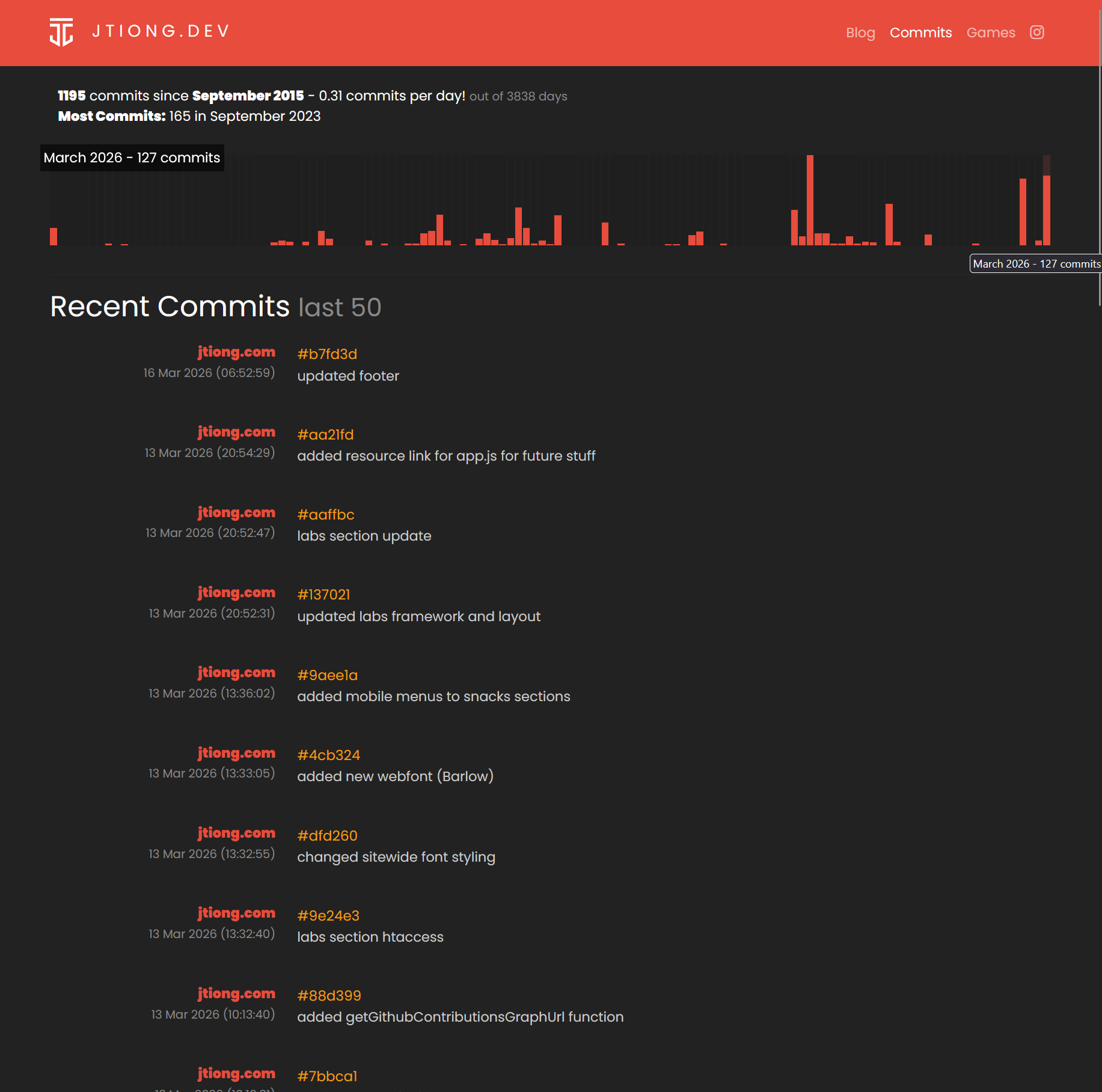
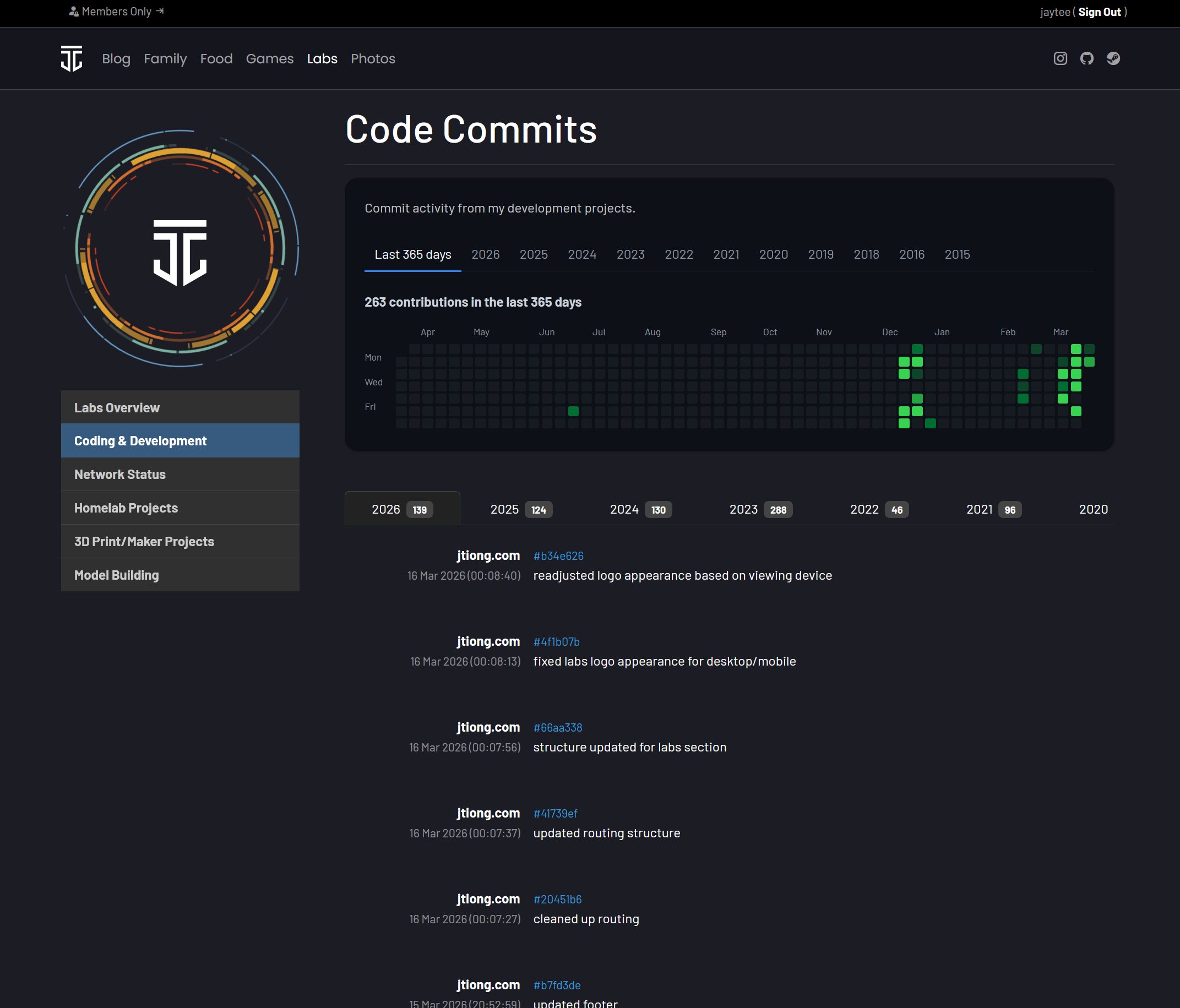
I think a lot of creators say, “When you have a nice space, it makes you want to use it more” or something along those lines for creative output. Having nice tools makes you want to use them more, a nice chair to sit at, or a powerful PC, shiny power tools to make things, etc.
That philosophy even rings true for something as basic as an online blog (well, now more of a whole damn website). Since deciding to redesign my site and consolidate it all, it’s given me ikigai and really, it’s become a joy to start updating my this site (and even this blog) a lot more.
I won’t go so far as to say my aim this year is to blog more or do more content – but I’d like to foster a better environment around which I can update this site more often, be it with blog posts, or new site features, or otherwise.
An evolution of my website’s themes
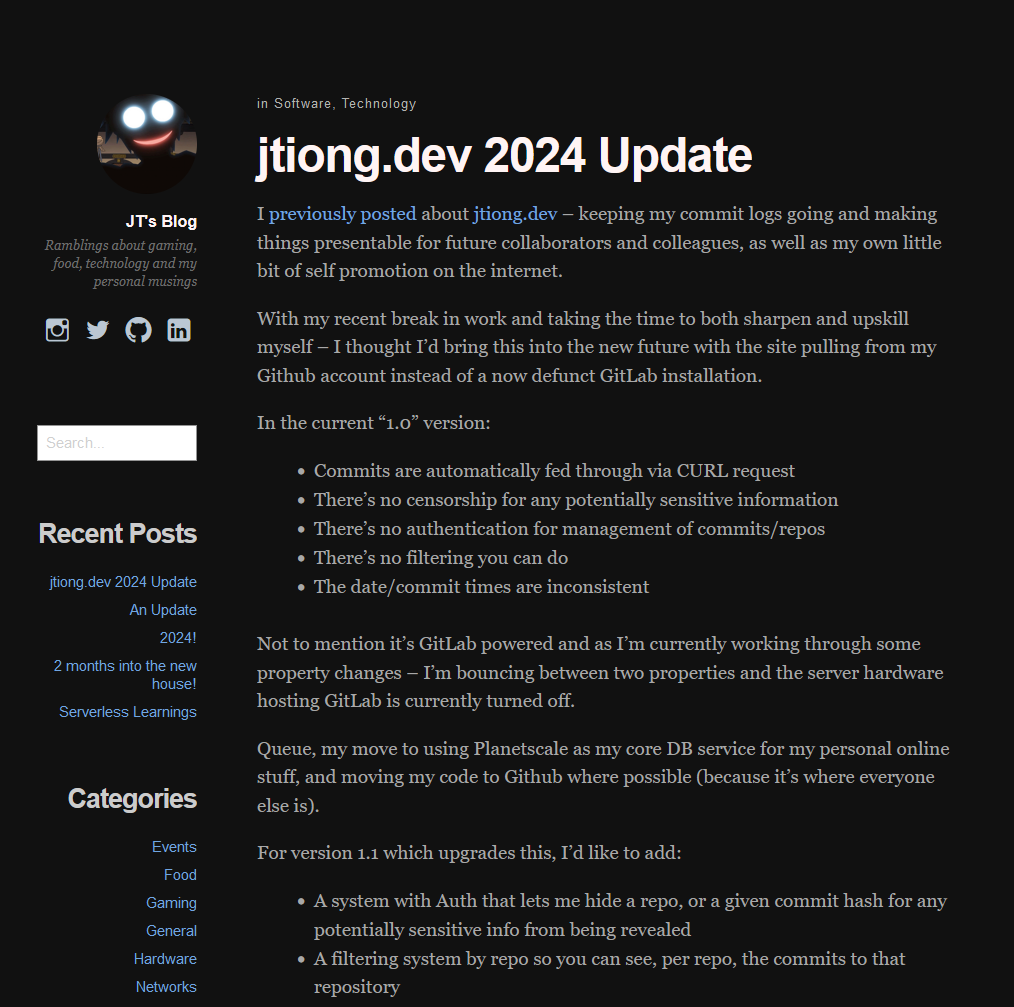
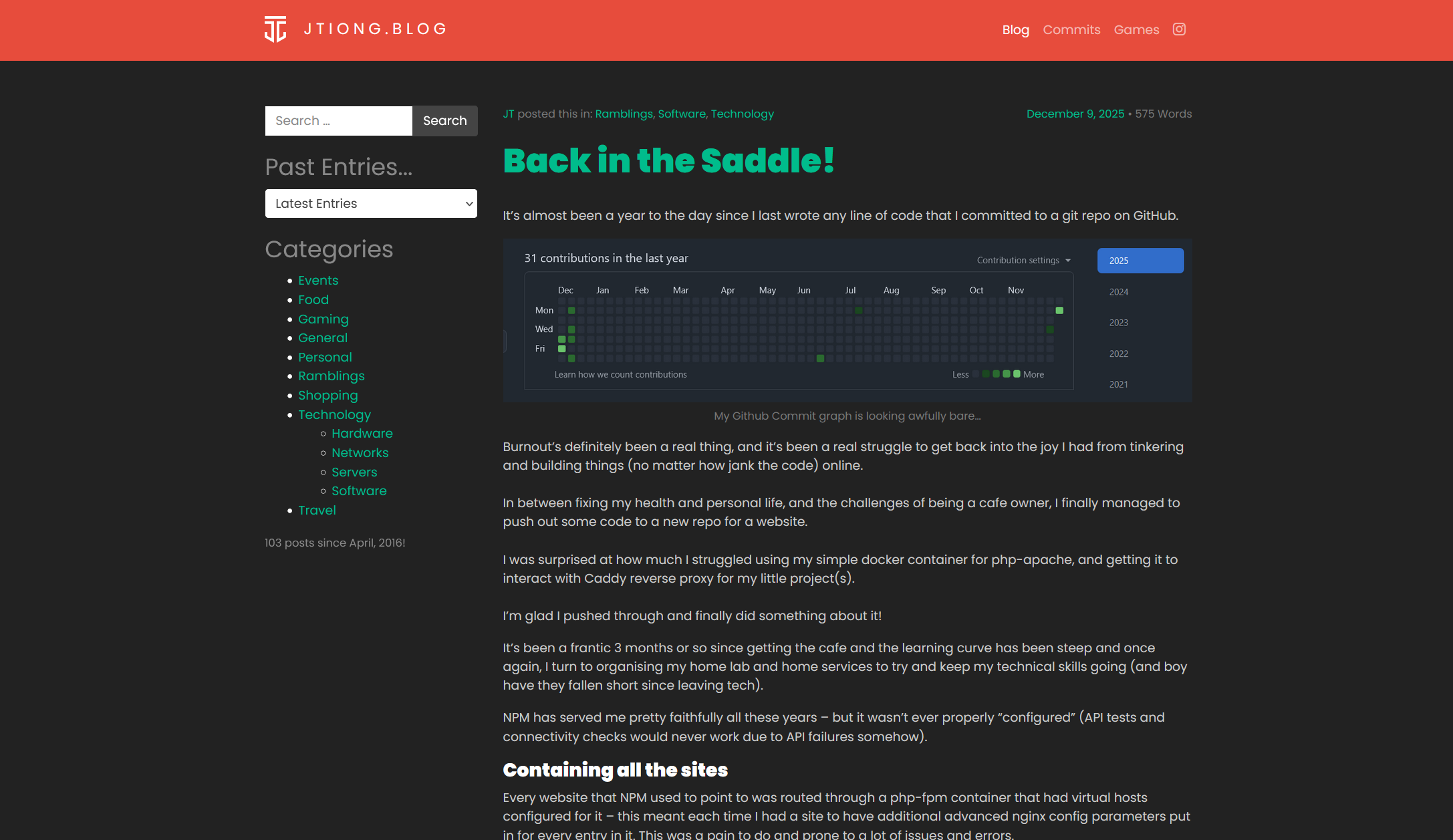
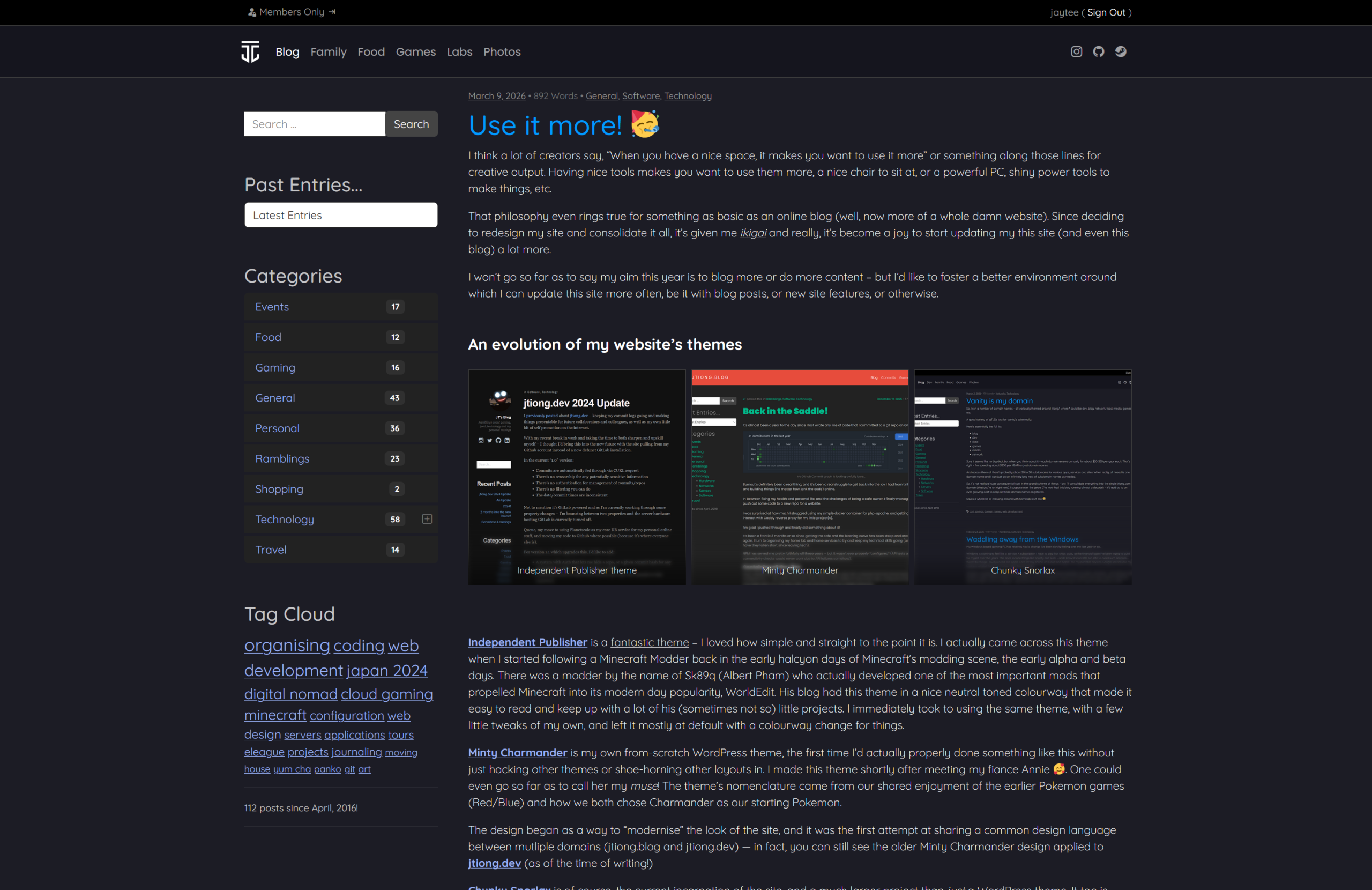
Independent Publisher is a fantastic theme – I loved how simple and straight to the point it is. I actually came across this theme when I started following a Minecraft Modder back in the early halcyon days of Minecraft’s modding scene, the early alpha and beta days. There was a modder by the name of Sk89q (Albert Pham) who actually developed one of the most important mods that propelled Minecraft into its modern day popularity, WorldEdit. His blog had this theme in a nice neutral toned colourway that made it easy to read and keep up with a lot of his (sometimes not so) little projects. I immediately took to using the same theme, with a few little tweaks of my own, and left it mostly at default with a colourway change for things.
Minty Charmander is my own from-scratch WordPress theme, the first time I’d actually properly done something like this without just hacking other themes or shoe-horning other layouts in. I made this theme shortly after meeting my fiance Annie ๐ฅฐ. One could even go so far as to call her my muse! The theme’s nomenclature came from our shared enjoyment of the earlier Pokemon games (Red/Blue) and how we both chose Charmander as our starting Pokemon.
The design began as a way to “modernise” the look of the site, and it was the first attempt at sharing a common design language between mutliple domains (jtiong.blog and jtiong.dev) — in fact, you can still see the older Minty Charmander design applied to jtiong.dev (as of the time of writing!)
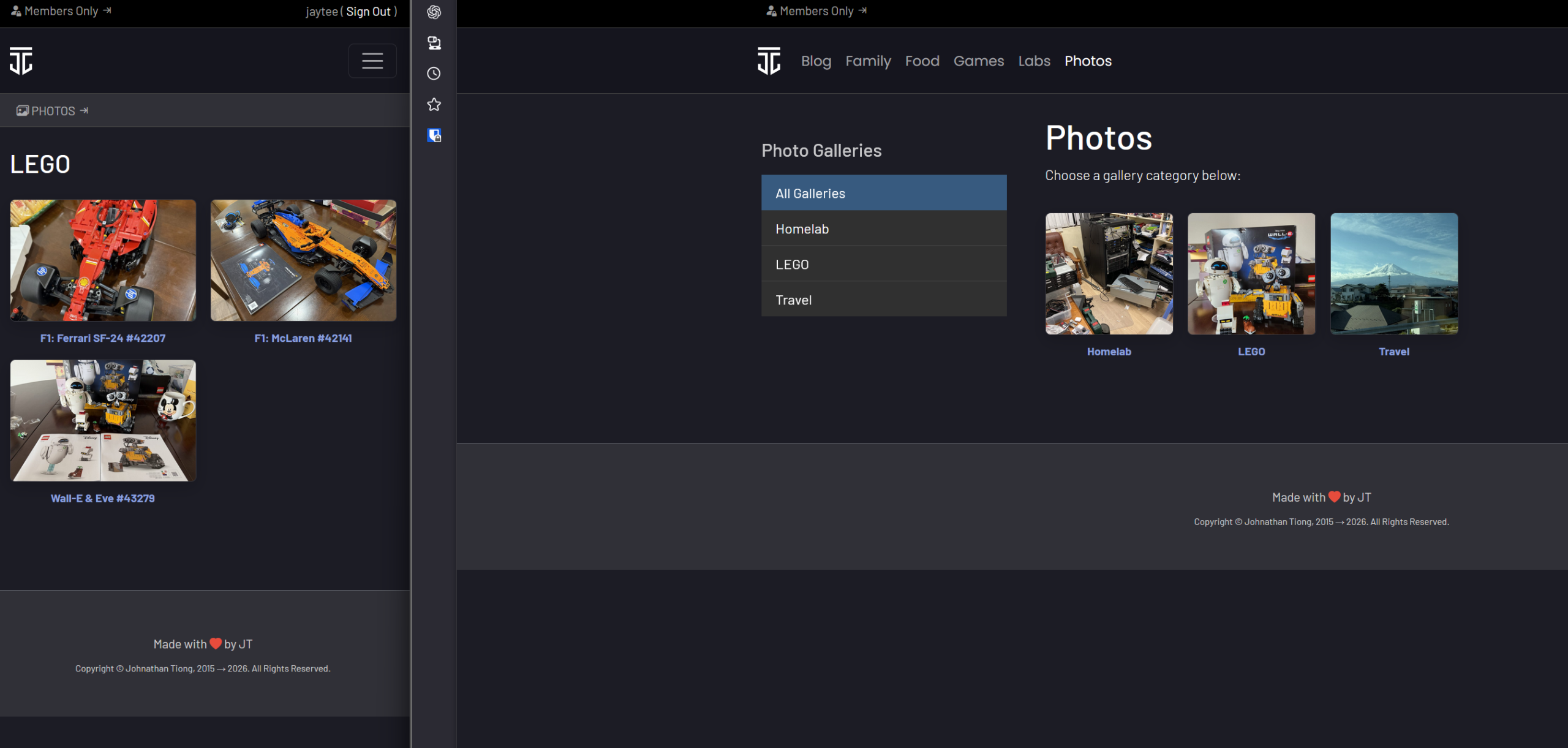
Chunky Snorlax is of course, the current incarnation of the site, and a much larger project than just a WordPress theme. It too is written from the ground up, but with a few hard requirements to the project such as:
- The site must be usable on mobile
- Discord integration for my personal community must be implemented
- It must be able to handle private gated sections for family, or friends
The project is like Minty Charmander, targeted towards unifying the domains under jtiong.com as well as having consistent branding across the sections of the domain that they’ll become; and is in fact, so large that I even have it documented in Notion for task tracking and managing what I’ve done so I have a reference to come back to in future development.
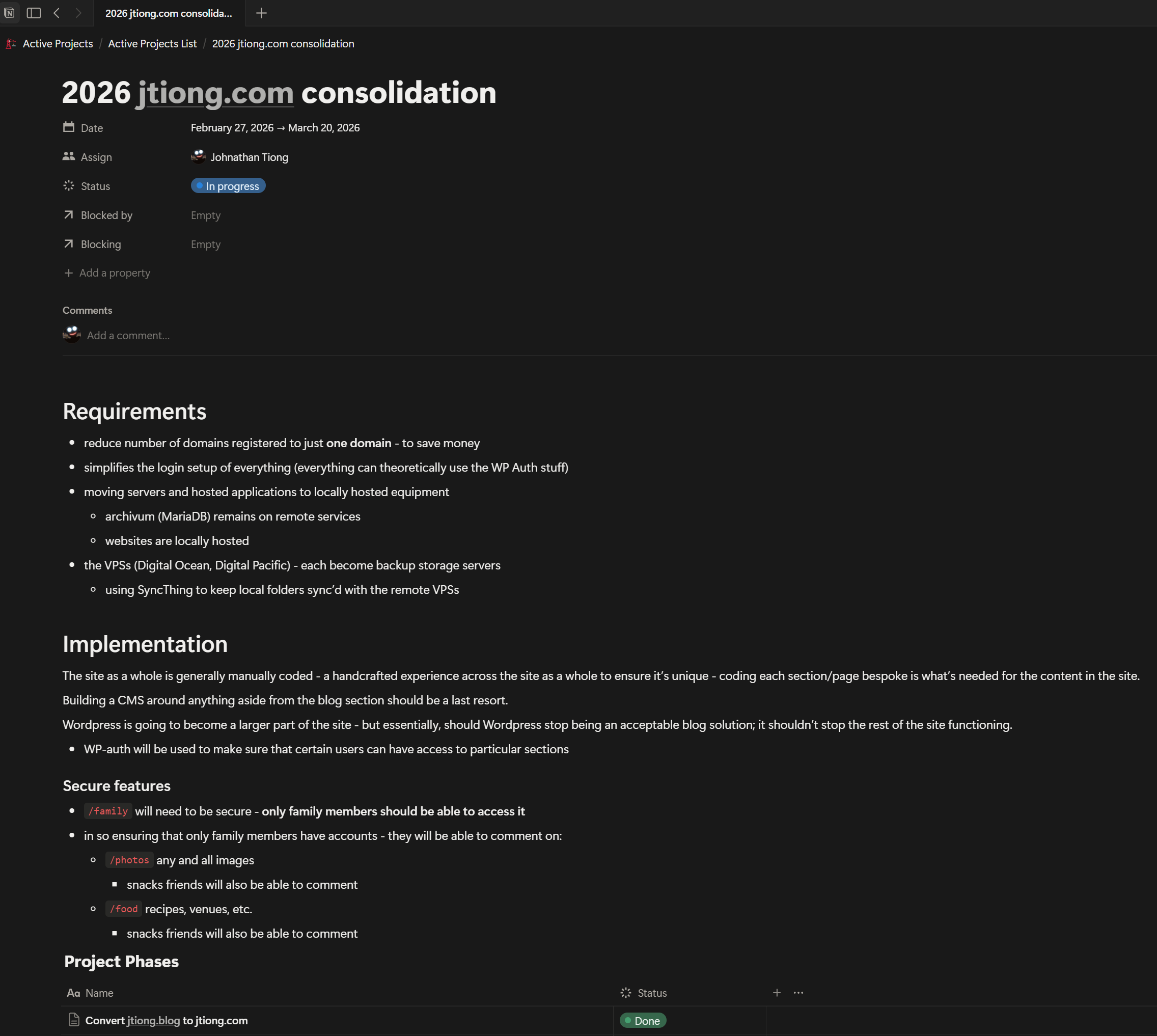
It’s an interesting development project for me because after a few years away from the tech industry, I’m finally dipping my toe back into coding and learning some skills along the way, at my own pace ๐
The site will continue being a desktop first website. I’m always designing and developing the site based off how it appears on my personal desktop, before making the design responsive and accommodating for mobile resolutions afterwards.
Improving standards in publishing posts
I’ve been a WordPress user for a long time in regards to this blog – about 10 years apparently. But it’s always been a secondary, perfunctory usage. I’ve always just very basically logged in, dumped what was in my head into a post, and hit publish.
Since I started with Minty Charmander during July 2024, I started to use more features of WordPress’s editor like Galleries, and photo uploads properly. And with the blog’s current iteration, I’ve started:
- paying attention more to CSS styling (partially due to design hard requirements above)
- learning to use the built-in lightbox feature and some improvements with it
- the lightbox now loads the source image in full res when you click on them instead of delivering an upscaled thumbnail with the native WP feature
- learned that adding image captions improves traffic to my site
- the tags and categories system needs some refinement, but works fairly well
- I need to go through my posts and re-tag and re-categorise as appropriate!
So it’s nice to see that putting in the effort into the site has also meant I’ve started improving my own methods and processes for creating content here. It’s an older form of content, I’m not a YouTuber or some sort of highly skilled video editor; and it’s never a “no” but for now, I enjoy the written word more. And so I rant on the internet using this blog ๐ฅณ
From my last related post about all the clutter and possessions I have – as well as a history of the posts in this blog – I am quite into journaling.
I have a problem in that I have too many places to journal and keep ideas – that I’m not sure what I would consider the “most efficient” way to do things.
I have:
- DayOne
- Notion
- Notability
- Physical Bullet Journal
- Travelersโ Notebook (passport size)
So I thought I’d do a “stream of consciousness” rant and put my thoughts down on the screen about how to best use these resources for me personally.
Thoughts about each resource…
DayOne
I’ve been using DayOne on and off ever since the app first came out back in 2016 (whoa, 10 years). It’s actually been my go-to for on-the-go journaling. It has an interesting integration with my phone that just collates all the images taken on any given calendar day of an entry – meaning I can quickly and efficiently make entries as needed.
To that end, DayOne remains clearly the “first port of call” whenever I need to put something down in writing. Or should the need arise (and more often does), I can whip the phone out, press the camera button on my phone and snap something really quickly, then return later in a quiet moment and add it into the DayOne calendar entry for keeping track of the moment(s).
Notion
Notion is actually something I’ve “come back to” recently. I was previously using Obsidian as a sort of knowledge store; but with the idea of making things easier for “those who remain” – I reverted back to Notion and have since been trying to update it more regularly.
Overall I think Notion remains a knowledge store more than any sort of journal system – ironically though as I started writing this post – thereโs now a calendar view that allows me to attach pages to each Day in what can only be described as an excellent digital planner/journal setup ๐
Still, it’s a much better application for keeping knowledge base items in there (like, how did I design this site, and the steps I took); and for things in my life that need more organised tables and pseudo database views.


It doesn’t hurt that Notion is available across iOS, iPadOS, and Windows – all my devices are able to access Notion smoothly. Even Linux based devices!
It means that I can smoothly access this knowledge from anywhere, and should the need arise, I can add to my “Diary” if need be to keep information tracked with a day’s entry into my journals.
Physical Bullet Journal
These are traditionally my handwritten journals that Iโve been doing since 2018 – theyโre done in โclassicโ size gridded Moleskine book – soft covered.
Does it still make sense to have a hard copy journal?
This year so far Iโve stated doing the book as more of a long form journal rather than as a planner/bullet journal setup. I donโt carry this journal with me normally so it makes sense to turn it into something more long form, with nice photos and such.

A digital journal, the wildcard…!
Something has been sitting in the back of my mind though about it all – as the times have been changing – does it still make sense to have a hard copy journal? The DayOne journalโs benefits are the multimedia capabilities of such a setup. I can include video footage, photos and even audio recordings per journal entry. That’s simply unbeatable in terms of “saving memories”.
The biggest advantage of a hard copy journal that a lot of proponents will push, is the fact that you have an emotional connection to the handwriting of the journal – you can tell someone’s mood, state of mind or general vibe from how they’ve written on the page (e.g. agitated writing might be sharper or more jagged in the lettering; calmer might be rounder and smoother, etc.) but that becomes moot with something like an iPad Pro, and the Notability app. I can handwrite, and scribble, doodle, and draw my way through a “journal” all while still embedding multimedia into the page, almost like a living Harry Potter Newspaper-esque experience!
Travelers’ Notebook (Passport Size)
I also have a Travelers’ Notebook – a little pocket-sized journal that I can use on the go as well.

limited edition Tokyo Station standard size Travelers’ Notebook
Originally after first buying the standard sized journal as a souvenir from Tokyo as well as this passport sized notebook – I couldnโt figure out how such a structure would match the bullet journaling methods I use or how it would fit in with what I do. It uses slim notebook refills and doesnโt seem to be appropriate for the longer form style of journaling that Iโm beginning to do.
“Bullet Journaling” on a lighter note seems to be the answer for me – it’s less about doing bullet journals in the way I’ve always known them, and more using the Traveler’s Notebook as a sort of physical life planner that logs appointments to keep, as well as a sort of daily log of where I’ve been or what I’ve done in bullet point format.
There’s 2 refills I keep within the book, and a small kraftpaper folder to hold things like spare cards.
The first refill is an undated monthly view planner book; the second refill is a dotted grid book. Keeping a physical planner system is probably going to be more significant to me as I can look back for a quick jog of the memory for a day’s “traveled journey”.
Coming to a decision
I think it’s time to make the switch to a fully digital journal. Being able to put my thoughts to screen above – led me to realise that Notability is the solution to my future journal needs. It covers:
- the emotional connection of hand-writing and drawing my entries
- being able to embed photos, video and audio into the page for multimedia entries
- iCloud based backup for future use across devices
- on device storage for the Notability files is possible
- editing the journal is far easier – I can select, move, resize things as needed
It also gives my iPad Pro an important use case, aside from just being a graphics tablet and secondary monitor for my laptop, or my desktop – it’s also the device I update my journal in. So there’s clearly a lot of boxes it ticks.
Figuring out the negatives however, are pretty simple:
- it’s battery powered
- there’s an Apple Pencil involved – and that’s expensive…!
There’s a whole load more upsides than downsides – and I haven’t even covered everything. But at this point it’s clear that it’s the future of my journaling.
So here’s to making my iPad far more useful to myself again! ๐คฃ
The new update to jtiong.com brings with it not only the Blog – but also an attempt to roll in all the content of my other domains into it. I come across an interesting dilemma – I haven’t really got a plan for the design of the site per se… I have content – yes, that’s easily pulled from the existing Minecraft info website (at the soon to be defunct jtiong.games domain), but no actual design idea.
The Old Design
Below is a set of screenshots of the jtiong.games Minecraft section:


Deciding Requirements…
The “original” design had a number of features I’d really like to pull over to this current site – like the Whitelist section – I was particularly proud of that section having fought with bootstrap CSS to try and get a nice layout happening. The Whitelist also allowed authenticated users to dynamically add themselves to the Whitelist without any manual intervention on my part. It was convenient, and looked cool!
Here’s the thing though, all that information, all those features – they’re split up across 4 or 5 separate pages! And I don’t think I should have an online form where my friends can arbitrarily add people to the server’s Whitelist – just for posterity’s sake. It is meant to be our FOREVER SERVER after all. People who join the server should be vetted and added when a human moderator is able to.
The Requirements
Thanks to my ranting above — I have an idea for some design requirements now:
- Condense the server information into less pages
- Find a way to integrate the Server Map nicely into the site design
- Display the whitelist in a reasonable way (a list maybe?)
- Integrate a way to see posts I make about Minecraft (and the server) into the page(s)
- Make this section easily viewable on mobile (this is a hard requirement across the whole site)
The New Design
Behold! The new design!

(opens in new window)

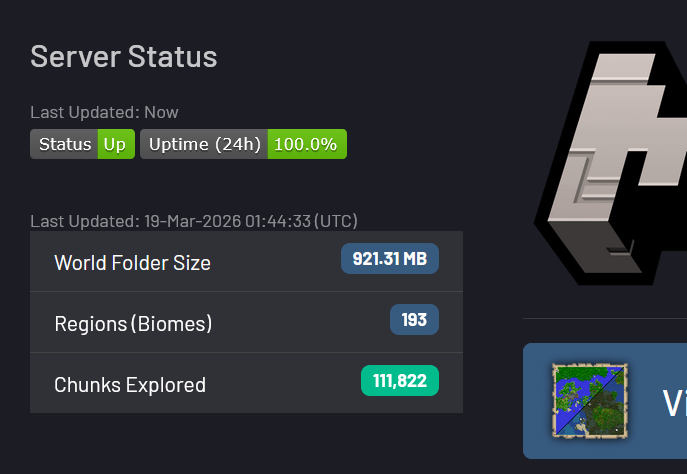
Almost everything about the server, fits on the one page! With the exception of the World Map – a visitor can view everything they need about the server, although the Player Whitelist is hidden for unauthenticated visitors.
There’s a few adjacent tasks for jtiong.com’s upgrade to proceed in tandem with the rest of this section’s update, but for the time being, this’ll serve all my requirements!
So, it’s been a pretty quick pivot recently as you might’ve gleaned from my previous blog post – but I’m consolidating all my domains under a single jtiong.com domain name. And not wanting to throw away the hard work of Chubby Snorlax from my jtiong.games and jtiong.network domain names – I’ve begun slowly shaping the existing site you’re reading right now into what is called “Chunky Snorlax” – a similar theme (still following the Pokemon theme for things – Annie’s a big fan of Pokemon of course) with a twist, the “Chunky” nomenclature is because the site is just full of stuff from my other domain names.

True to form, it’s a darker themed site as usual – although there are some nicer features I’ve implemented including:
- Update to Bootstrap v5.3.8 which is the latest version
- This also include Bootstrap Icons v1.13.1
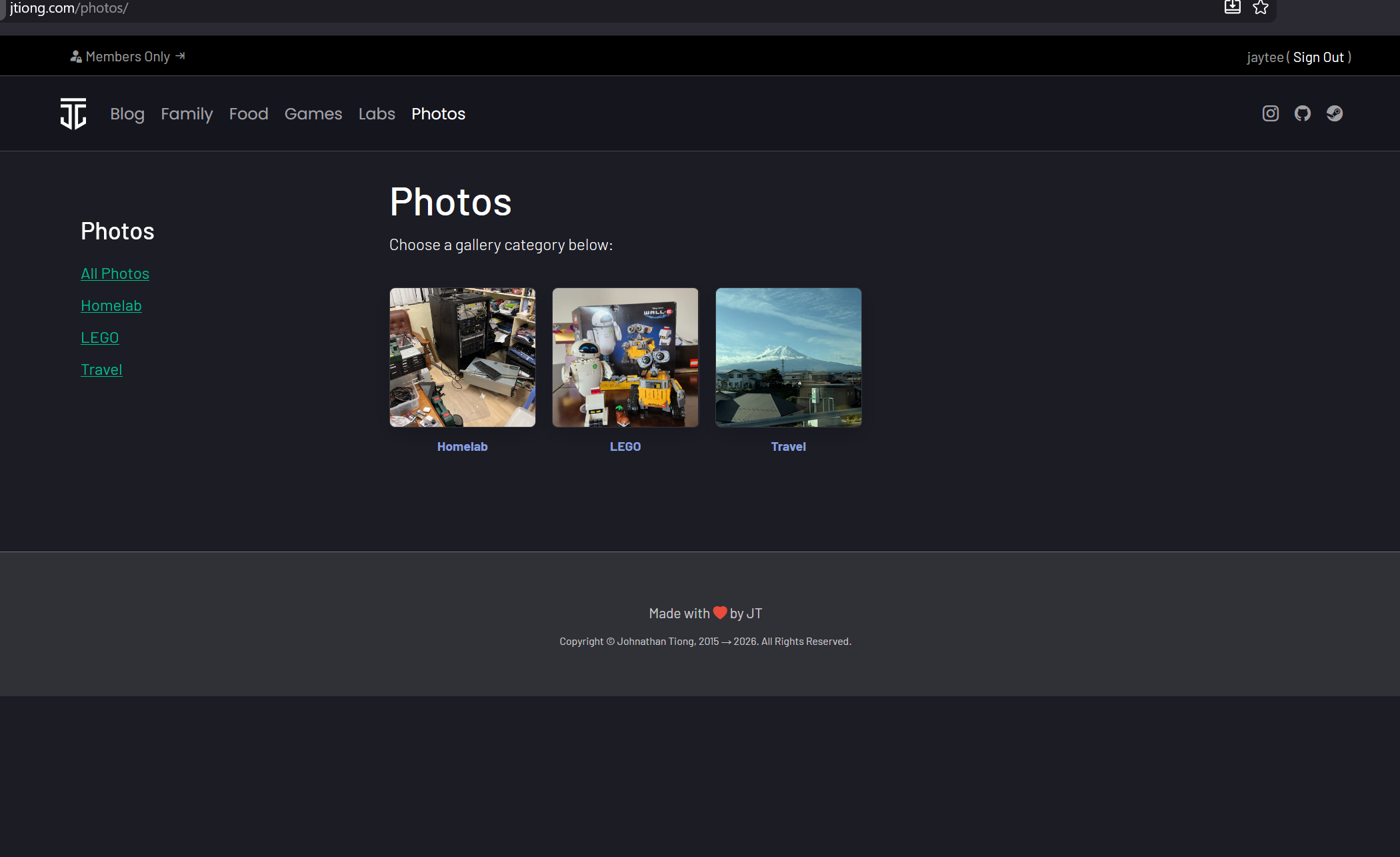
- There’s now an image Lightbox overlay that I’ve tweaked for viewing images (for future posts going forward – it’d take me forever to update things retroactively sadly)
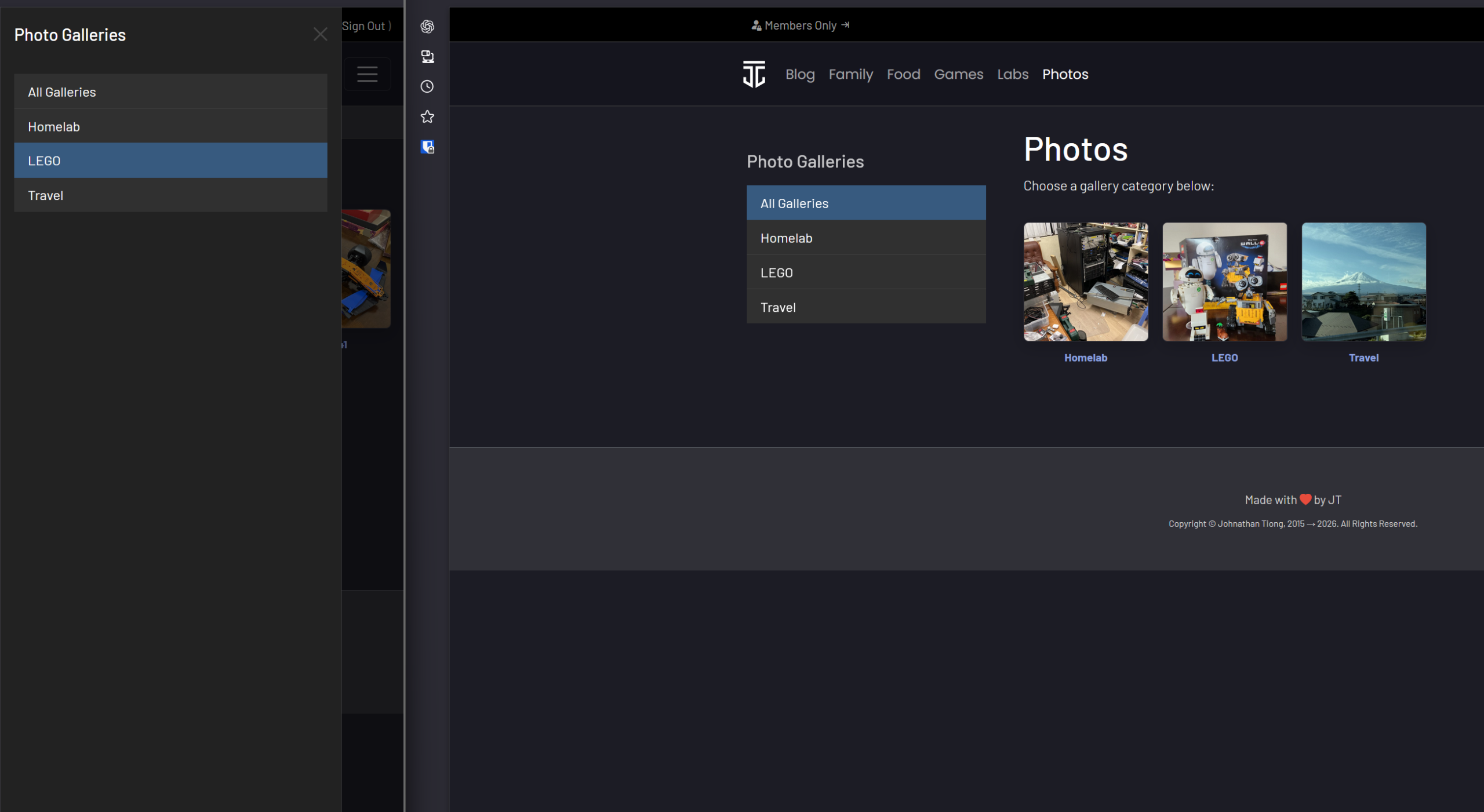
- There’s a more considered approach to the mobile version of the site now (tidier menus)
- There’s now a Tag Cloud (although I don’t know many people that browse that way?)
- Captions on images now appear with a frosted effect at the bottom of images too (FANCY!)
I’m hoping to keep this theme around for more than 12 months this time around, but I think going forward it’ll be less a “brand new revamp” and more of an evolution of design going forward as the needs of the site evolve too.
Chunky Snorlax is probably the most “complete” WordPress theme, I’ve built to date. There’s no doubt a lot of bugs and issues, and the theme itself is very simplistic, but it’s mine, and it’s built from scratch, warts and all ๐
Hope you all enjoy it ๐
So, I run a number of domain names – all variously themed around jtiong.* where * could be dev, blog, network, food, media, games, etc.
A good variety of gTLDs just for vanity’s sake really.
Here’s essentially the full list:
- .blog
- .dev
- .food
- .games
- .media
- .network
Sure it seems like no big deal, but when you think about it – each domain renews annually for about $30-$50 per year each. That’s right – I’m spending about $250 per YEAR on just domain names.
And across them all there’s probably about 20 to 30 subdomains for various apps, services and sites. When really, all I need is one domain name and I can just do an infinitely long nest of subdomain names as needed.
So, it’s not really a huge consequential cost in the grand scheme of things – but I’ll consolidate everything into the single jtiong.com domain (that you’re on right now). I suppose over the years (I’ve now had this blog running almost a decade) – it’d add up to an ever growing cost to keep all those domain names registered.
Saves a whole lot of messing around with homelab stuff too ๐คฃ
My Windows based gaming PC has recently had a change I’ve been slowly feeling over the last year or so…
Windows is starting to feel like a service. A subscription I have to pay that chips away at the financial base I’ve been trying to build for myself over the years. This does include things like Spotify and such – and I know it’s too little too late to avoid such services – there’ll be things I always need, like Apple Care for my phone, or iCloud and Apple+ for my portable devices, Google services for my business related things, and a few other bits and bobs.
However, my desktop since taking a step away from my career as a software developer, has taken a backseat – and Windows has started to make it feel like things are a subscription to my own hardware. Forced AI tool insertions (go away, Copilot), advertising tracking INSIDE my OS and desktop – opening the Start menu shows me ads for apps, and it tracks my file history on stuff?!

And worst of all – why can’t I make a local user for my PC (easily) now? Why force me to use a Microsoft Account by default?
There’s a lot of egregious things that Microsoft is now doing, by trying to cross various lines – like adding Microsoft sign-in to MS Paint and providing BitLocker encryption keys to the FBI, and in fact, storing those keys in the cloud – where any bad actor who manages to break through Microsoft’s security (which they have repeatedly done so in the past) can acquire the keys to the kingdom, so to speak.
I know you can deactivate storing your BitLocker keys with your Microsoft account, but saving them to the cloud shouldn’t be the default option. I suppose all these potential breaches in privacy are the cost of convenience for the every day end-user.
I can’t exclusively walk away from Windows – I doubt I’ll ever be able to, but I’ll be able to minimize the exposure of it. As far as I can personally tell for my own usage, the only apps I ever use that are Windows exclusive now are:
- Adobe Creative suite – mostly for professional design related stuff PDF, PSD, IND, AI file formats will forever be the bane of my existence
- Microsoft Office suite – again, same as above – mostly for professional work, legal documents, contracts and accounting data all require this, although it’s slowly starting to diversify…
- Bambu Studio and Fusion 360 – work related, for printing out components and rapid prototyping production, this just simply can’t be ignored
- Games that require kernel level anti-cheat – this is becoming a far smaller problem than I thought it was originally – games like Battlefield 6, Valorant, etc. all for the younger generation of gamers that my old bones can no longer keep up with. And their audiences are dwindling anyway as people realize how much of a rip-off hamster wheel they’re on.
All the games I currently enjoy right now, and all the home lab, and entertainment stuff I do enjoy have ways of running on Linux. I don’t think I’ve ever encountered such a time before, and I didn’t actually expect to hit this point in my lifetime ๐
But, should I really join Team Penguin?
So “click engagement” memes aside – all the influencers are talking about moving off Windows; perhaps I am just getting influenced heavily, but there’s a mote of sense behind it.
Whilst there’s a lot of upsides at present in regards to moving away from Windows for my personal PC. I’d be remiss to not consider the negatives of moving away too. And while seemingly small and insignificant, the “blockers” are actually very significant indeed!
1. Hardware
- Linux HATES Nvidia’s drivers situation at present, which is never great, and it’s more unstable than on Windows so I’d potentially have impacted performance on some games and apps I use.
- Streamdecks – I have two elgato stream decks – a classic “Mk. 2” (3 x 5 – 15 button deck) and a Stream Deck + with the 4 action dials and slider screen
- These stream decks integrate with games like FFXIV, Star Citizen, and
- Apps like Photoshop, Illustrator, and
- also control my audio devices which I split into various channels (media, games, chat)
- They simply just don’t work properly in Linux
- My Earbuds – I use Steelseries Arctis Gamebuds and a Steelseries Arctis Nova Pro Wireless headset depending on physical fatigue around my head ๐คฃ
- These devices don’t work with Steelseries GG software, which doesn’t work in Linux well
All in all, very compelling reasons to not switch to Linux. If I can’t easily deal with sound as I’m constantly changing my headphones, or streaming audio correctly when I screen share with friends, family and clients, it kind of defeats the utility of my PC as a whole.
2. Software
- Adobe can run, but not natively – and its performance is hampered, and at any time an update may break the functionality of Adobe Photoshop, and Illustrator – keystone applications in my business(es).
- Office 365 – as annoying as it is, it’s a Microsoft product, it’s going to work better on Windows
- Fusion 360 – this also can’t run on Linux presently, and some parts of my business require it
So whilst gaming is taken care of, sadly the business end of my computer use isn’t covered anymore (unlike when I was a full blown software dev) which is disheartening.
3. Legacy & Accessibility
This isn’t as spooky as it sounds, but if I were to be incapacitated in some way and unable to use my PC and my loved ones needed to access my stuff, sure I’m blessed enough to have wonderful friends who could help out, but end of the day, in those quiet moments in the evenings, my loved ones might need to access my PC/Servers – and Windows is something familiar to them at least.
And as of right now, this is something that Linux is definitely lacking in. There’s no way to fix that specifically unfortunately.
A decision
I think my desire to switch to Linux, is kind of trying to subconsciously return the halcyon days of simple OS usage like Windows 2000 and Windows XP! Those were the glory days – it was simple to hack away at your PC and have it run fast, without any of the bloat.
Unfortunately the small but significant issues I have with software, drivers and hardware not working – are big enough that I’ve decided I’m going to stay with Windows for the foreseeable future. Even with all their atrocious missteps towards becoming an “Agentic OS”, and all the nagging logins like Microsoft Online sign on for basic applications, built-in classics like Notepad not working, and more — all for the purpose of meeting their install base KPIs.
I hope Microsoft starts to take a step in the right direction with optimising and simplifying Windows 11, but we’ll see what the future brings. Their track record so far isn’t so great.
2026!
I can’t believe I made it past 40 times round the Sun on this ball of dirt. I’m not usually one to wax philosophical in a public space, but I’m old, and I figure it’s alright for me to be doing this now.
This year is all about adjusting to the changes in my life over the last 2 years. This marks my (going into) 2nd year of being “retired” but in reality, I’d say it’s more like a “doing a lighter workload”. And boy it wasn’t a matter of becoming a man of leisure, instead I decided to buy a cafe on my birthday last year๐คฃ
At the end of last year I bought an apartment, my own little slice of paradise in a great spot in Sydney about 15 minutes from the CBD. I’ve been very fortunate to be able to do so, but it’s a big adjustment from my previous living conditions (I’d always lived in free-standing houses usually of 3 or more bedrooms).
It’s forced me over the recent holiday period to look at all the things I own, and how to cut down on excess – something I think I generally suffer from especially the last few years (I have so much computer related crap in my possession). And really, I suppose it’s inspired this post for me to rant about how I’m going to start the year and approach life, etc. Looking back in the post history on this blog, I don’t really recall writing about things like this so much, but I suppose this is a bit more of a personal project now. So, time to ramble on!
Like every trend chasing “New Year, New Me” kind of person in Western Culture, I looked at what I thought would be a “foreign yet cool” concept as a starting point, and of course, looked to Japan. A bit awkward considering I’m an Australian-born Chinese person, but hey! Sort of in the right region!
- Ikigai – I think this means to find meaning and purpose in life on a day-to-day basis
- Kaizen – I think this means to constantly improve, as long as it’s a step forward, it’s improvement
- Wabisabi – Finding beauty and perfection in the imperfections, impermanence and incompletion
I like the muddled sort of “constant improvement” and reiterative process of development these Japanese Philosophies talk about. And I think in a lot of Asian culture, the grind culture is definitely something they’ve mastered over the years. Maybe it’s appealing deep into that heritage inside me ๐คฃ
Not to be outdone though, the Swedish themselves also have a philosophy called Lagom – a term that actually hits with a bit of PTSD from an old development project for me (it was named Lagom). Lagom means “Just the right amount, not too much, not too little. Just right.” and is the idea of perfect moderation and balance in execution.
I think, this year I’m beginning my 40s with a step towards making my life more like a chill game. More Stardew Valley, and Animal Crossing; and less the Sims without a ladder, or Elden Ring ๐ฑ
It’s more about making sure each day I’m a little bit better than before. But also accepting that not all days will be like that, and some days there will be steps backwards, or time needed for recovery. And even in those challenges and setbacks, there’s beauty and joy to be found.
Happy New Year ๐
Welp, seems to be an almost yearly thing – although to be honest there’s no plan to how I do things with my jtiong.* sites — it’s all very whimsical ๐
I’ve started working on a new site theme called “Chubby Snorlax‘ – a sort of sequel to “Minty Charmander” (the theme you see now on this site – as written about here).
This was mostly brought about by wanting to freshen things up when I started updating my jtiong.games website. The site itself is going to be used as a personal game server documentation and humble bragging website for all the stuff I run and mod for family and friends.
Behold!

The site design pulls back more towards engineering documentation style layouts with a little bit of a flair taken from my jtiong.network site. It’s part of an intended update to all my domain names that I’ll write about (I suppose…) in the future.
The design itself is mostly complete – with the final steps being to make sure that any content I put into the theme is represented fittingly with the design (ie. there’s no weird layout issues or formatting issues). After that, I’m not going to immediately update this blog’s theme; but rather I’ll deploy Chubby Snorlax into the jtiong.dev site first, alongside some behind the scenes updates to that site!
Minty Charmander was a fairly easy update – I was able to create a WordPress compatible theme, then roll out a similar style that matched to jtiong.dev – however, this time the workload has increased to three websites (.blog, .dev, .games) at least. So complexity of the project does grow – each site has its own unique functionality, .blog being a WordPress powered site, .dev being a stylized website that interacts with GitHub, and .games being almost entirely handwritten HTML/PHP content. I’m trying to unify their look & feel, as well as bring them all under an umbrella sort of branding “jtiong.network” like a media network or some such. It’s just a fancy hobby name for my rapidly costlier hobby.
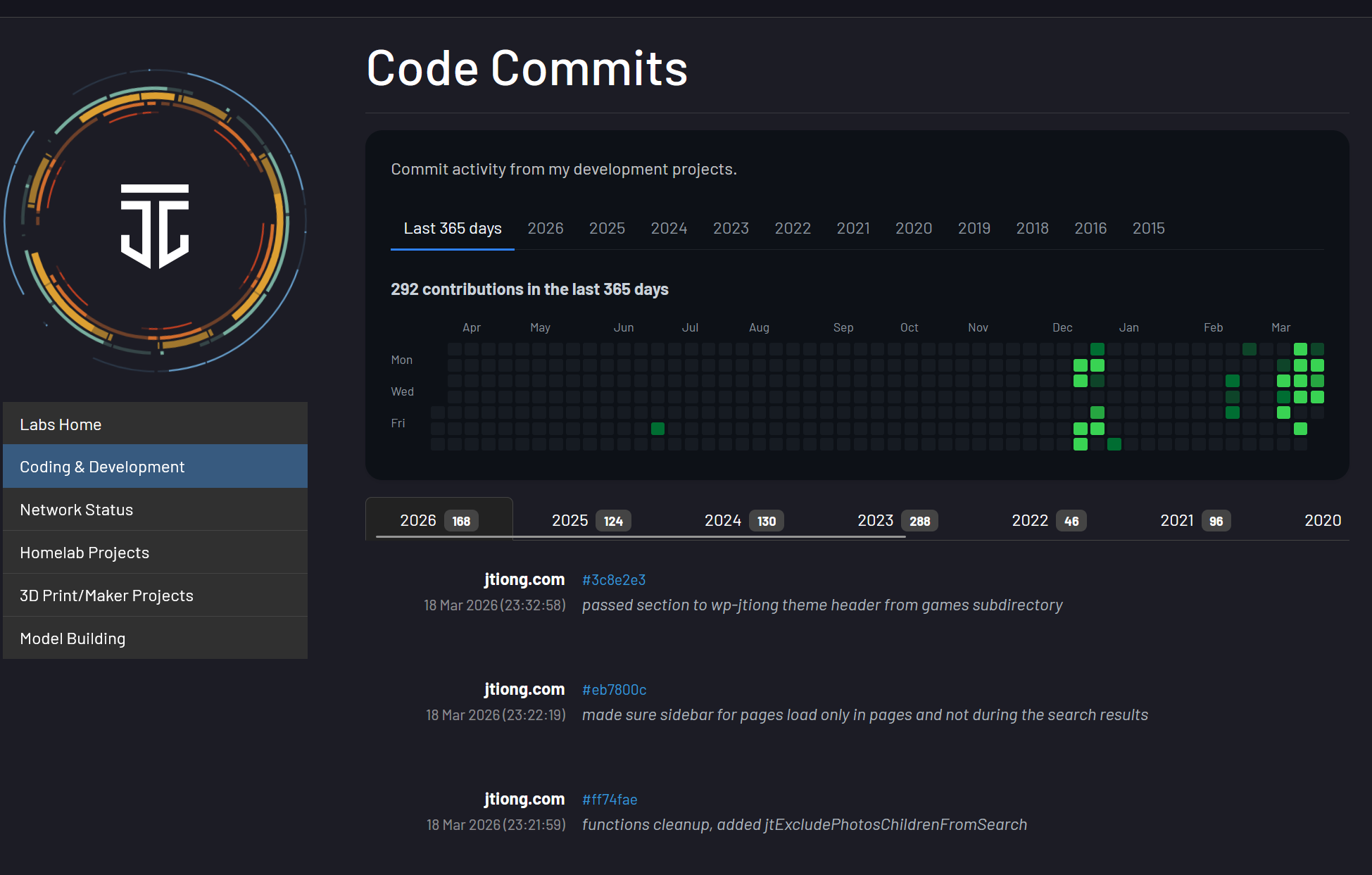
(more…)It’s almost been a year to the day since I last wrote any line of code that I committed to a git repo on GitHub.

Burnout’s definitely been a real thing, and it’s been a real struggle to get back into the joy I had from tinkering and building things (no matter how jank the code) online.
In between fixing my health and personal life, and the challenges of being a cafe owner, I finally managed to push out some code to a new repo for a website.
I was surprised at how much I struggled using my simple docker container for php-apache, and getting it to interact with Caddy reverse proxy for my little project(s).
I’m glad I pushed through and finally did something about it!
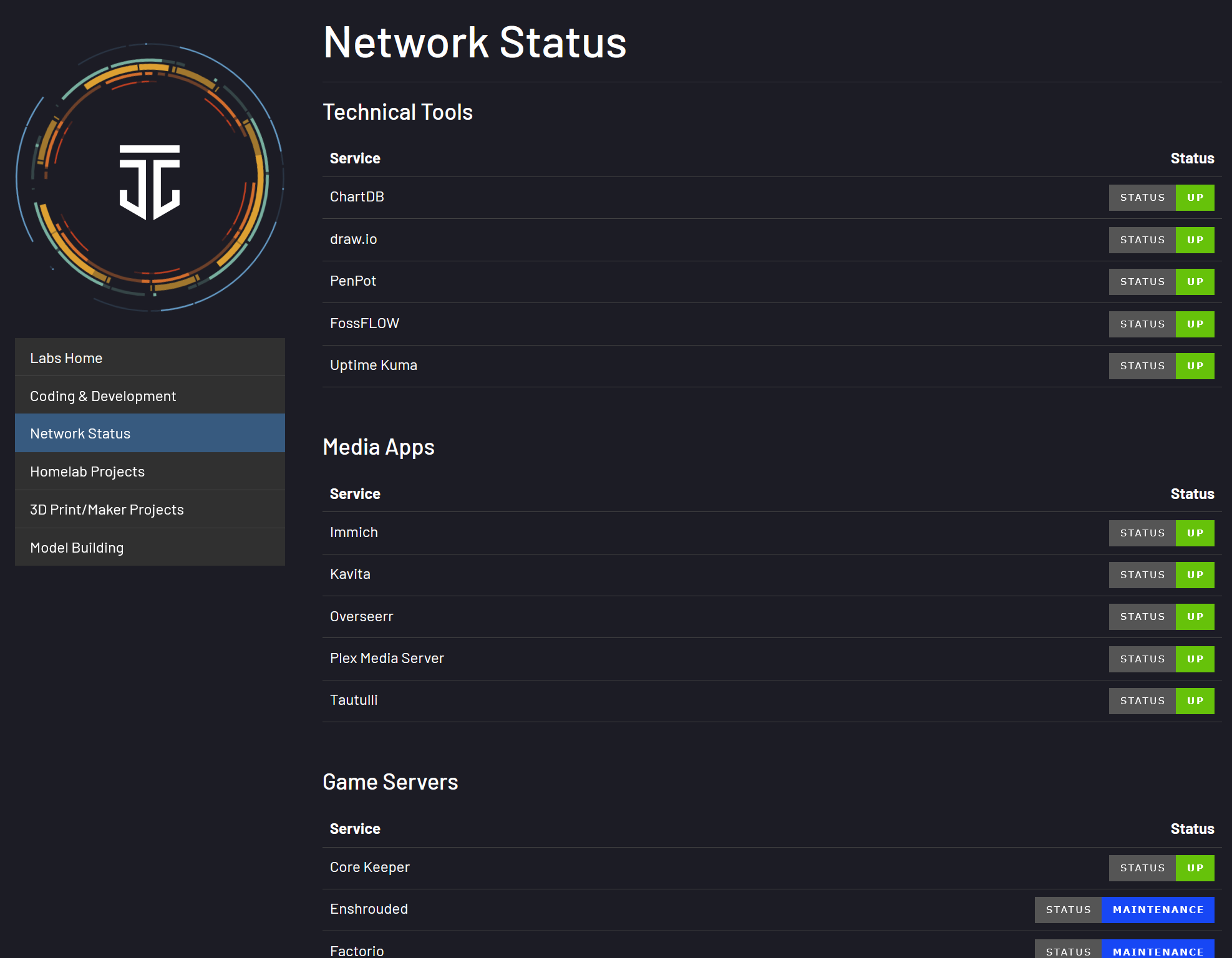
It’s been a frantic 3 months or so since getting the cafe and the learning curve has been steep and once again, I turn to organising my home lab and home services to try and keep my technical skills going (and boy have they fallen short since leaving tech).
NPM has served me pretty faithfully all these years – but it wasn’t ever properly “configured” (API tests and connectivity checks would never work due to API failures somehow).
Containing all the sites
Every website that NPM used to point to was routed through a php-fpm container that had virtual hosts configured for it – this meant each time I had a site to have additional advanced nginx config parameters put in for every entry in it. This was a pain to do and prone to a lot of issues and errors.
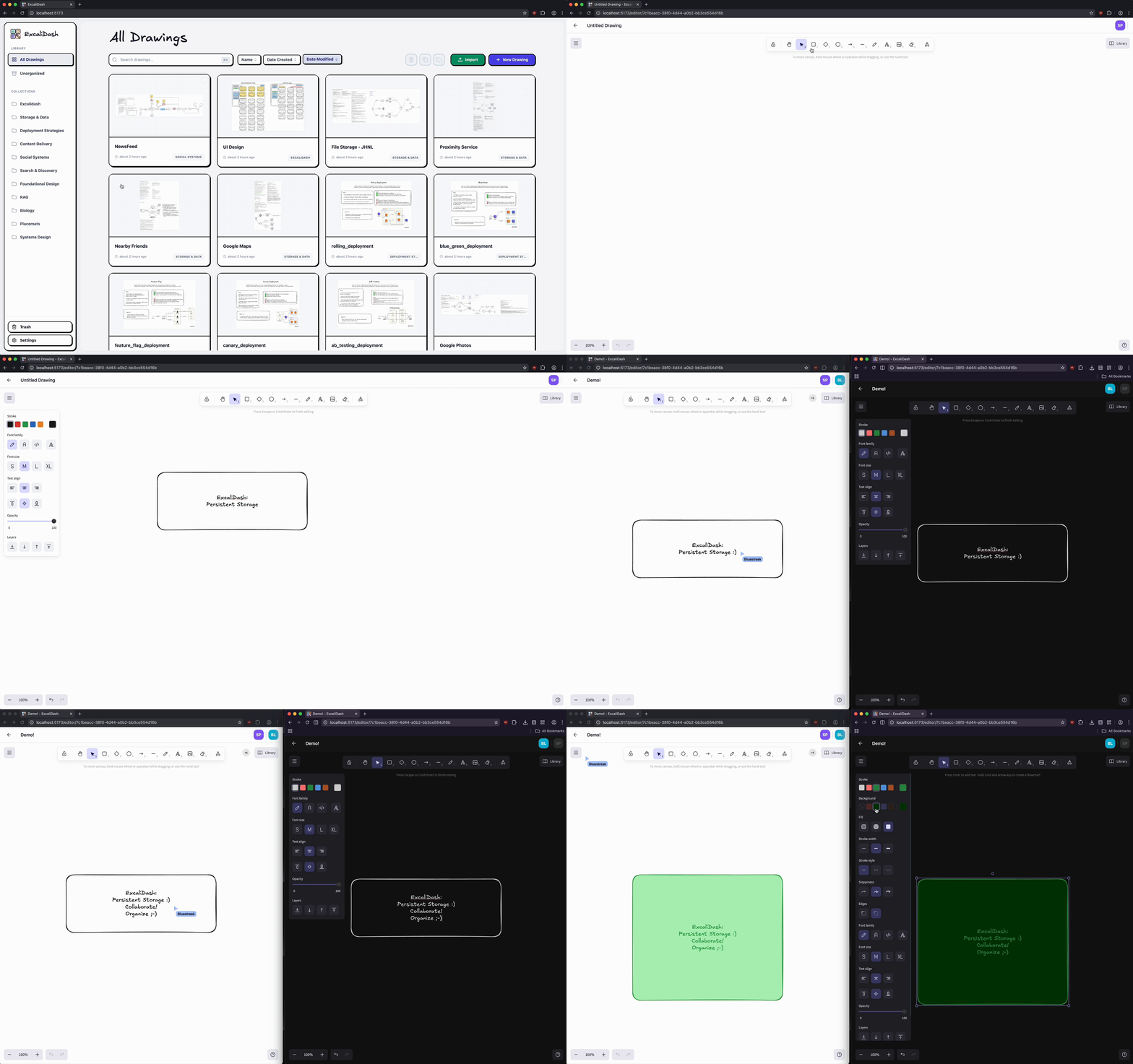
It looked a lot like this:

This served my purposes quite well. But it WAS clunky to configure and add new sites to it.
Even more so, the biggest drawback was adding something like uptime-kuma or any other app to my server. Adding it as a subdomain in NGINX Proxy Manager was a muck around for some bizarre reason, and adding additional apps that worked on arbitrary ports through the web UI was troublesome. I suppose my biggest complaint at the end of the day was the webUI was somehow easy to use yet cumbersome ๐ฑ
I’ve been out of the tech game long enough to be able to claim ignorance to best practices now I think, but Caddy’s straightforward “chuck everything in a Caddyfile” approach simplified a lot of things for me – and made it straightforward routing traffic to apps, or different website domains as I needed.
None of this is new, and all of this is what I used to do in my dev environments back in the day. But I hadn’t touched it in so long it feels nice to be doing something so close to the “good old days”.
Baby steps…
Well… my last post mentioned the numerous domains I own – all “jtiong” themed – and one particular site was jtiong.games
This particular domain and its purpose was more to act as a nice set of subdomains for connecting to whatever various game servers I’d be hosting (most notably Minecraft). And really, that’s all I did. I built the boilerplate code for the jtiong.games website
I suppose one thing at a time. I’ll try to find more time to put down some more commits and enjoy the process of building up my little corner of the web with no timelimits or deadlines ๐
I’d been craving the old community of Minecrafters we had during the COVID lockdowns a few years back; so I’ve decided to re-launch the Minecraft server for my community. It’s been a long long time and I hope everyone joins the server or at least leaves their mark on it in whatever little way!
I want to keep the server as low maintenance as possible by trying to stick to just Mojang official releases of Minecraft’s Server – no PaperMC or Spigot or any other modded servers. This will also reduce the temptation to make Minecraft into some weird modded dystopia where people have to install a half dozen java packages just to join.