A stationery dilemma for a storyteller
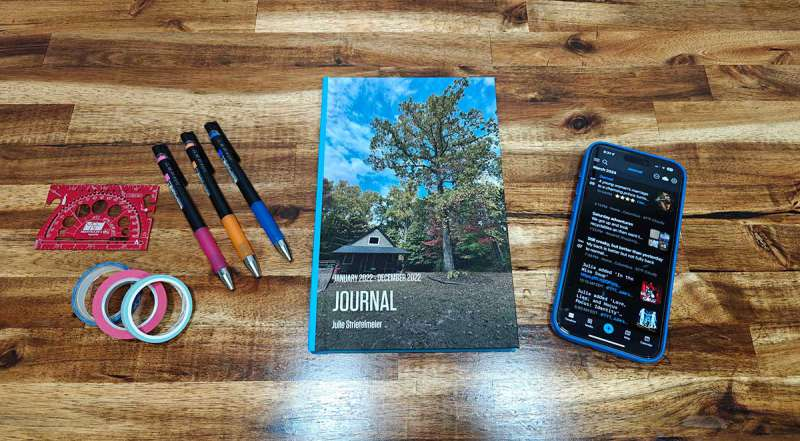
From my last related post about all the clutter and possessions I have – as well as a history of the posts in this blog – I am quite into journaling.
I have a problem in that I have too many places to journal and keep ideas – that I’m not sure what I would consider the “most efficient” way to do things.
I have:
- DayOne
- Notion
- Notability
- Physical Bullet Journal
- Travelers’ Notebook (passport size)
So I thought I’d do a “stream of consciousness” rant and put my thoughts down on the screen about how to best use these resources for me personally.
Thoughts about each resource…
DayOne
I’ve been using DayOne on and off ever since the app first came out back in 2016 (whoa, 10 years). It’s actually been my go-to for on-the-go journaling. It has an interesting integration with my phone that just collates all the images taken on any given calendar day of an entry – meaning I can quickly and efficiently make entries as needed.
To that end, DayOne remains clearly the “first port of call” whenever I need to put something down in writing. Or should the need arise (and more often does), I can whip the phone out, press the camera button on my phone and snap something really quickly, then return later in a quiet moment and add it into the DayOne calendar entry for keeping track of the moment(s).
Notion
Notion is actually something I’ve “come back to” recently. I was previously using Obsidian as a sort of knowledge store; but with the idea of making things easier for “those who remain” – I reverted back to Notion and have since been trying to update it more regularly.
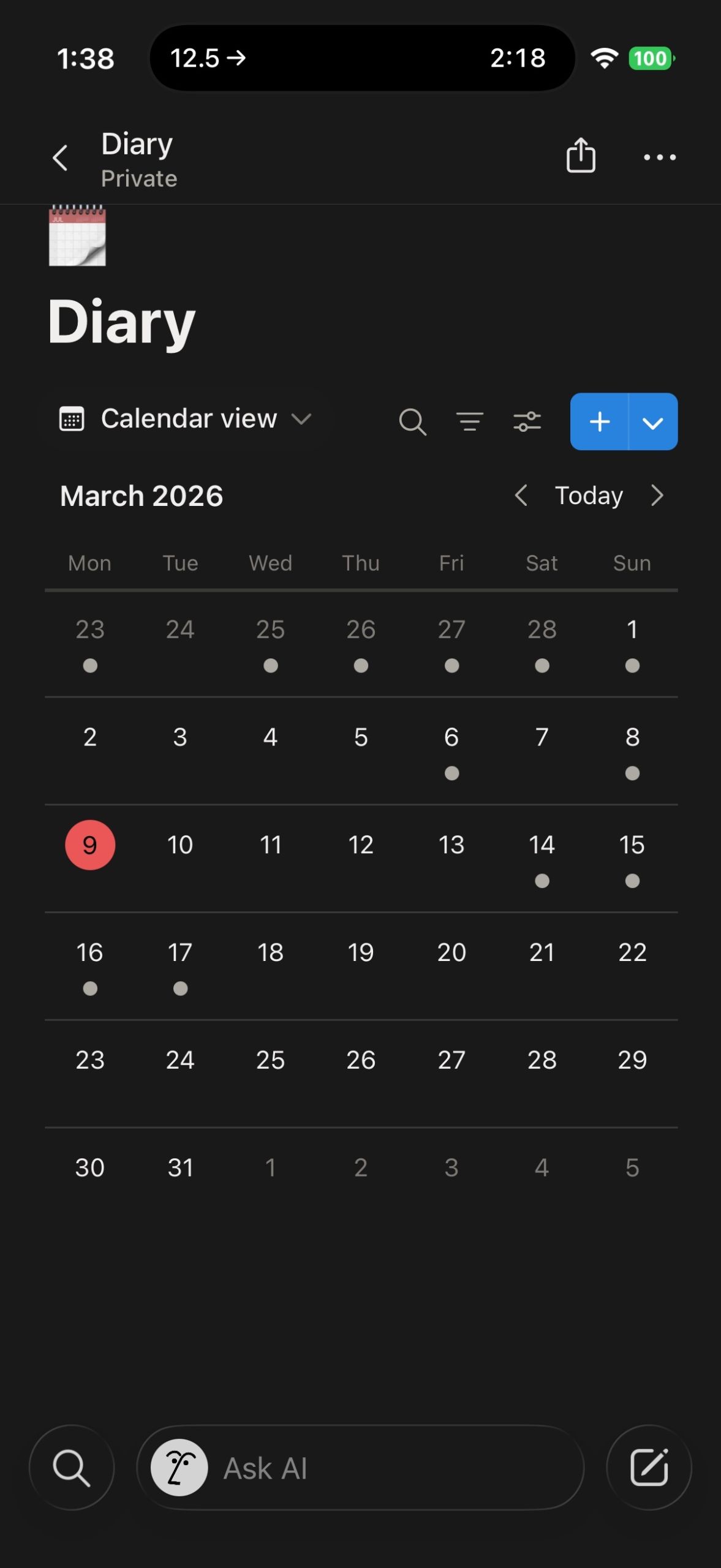
Overall I think Notion remains a knowledge store more than any sort of journal system – ironically though as I started writing this post – there’s now a calendar view that allows me to attach pages to each Day in what can only be described as an excellent digital planner/journal setup 😂
Still, it’s a much better application for keeping knowledge base items in there (like, how did I design this site, and the steps I took); and for things in my life that need more organised tables and pseudo database views.
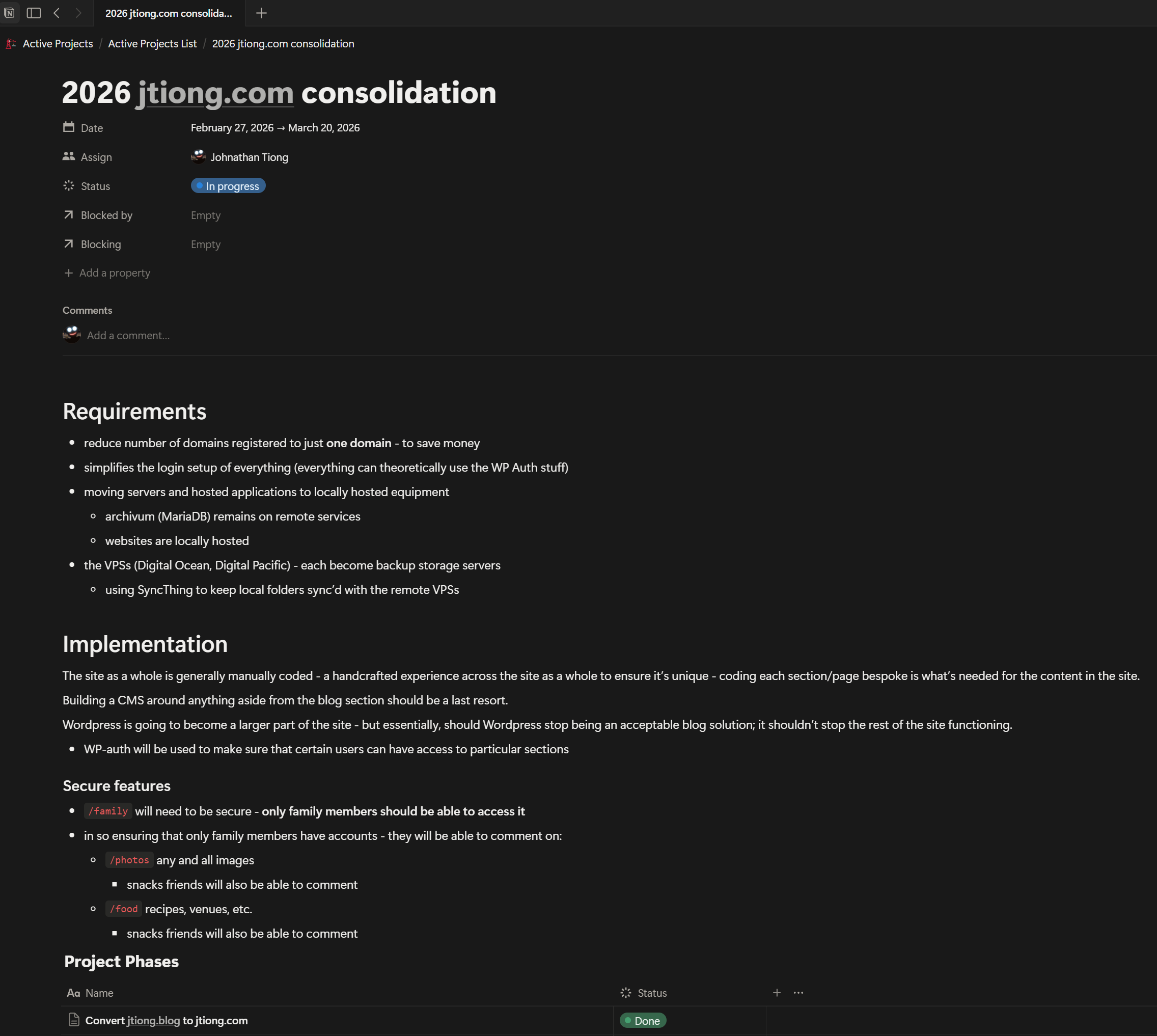
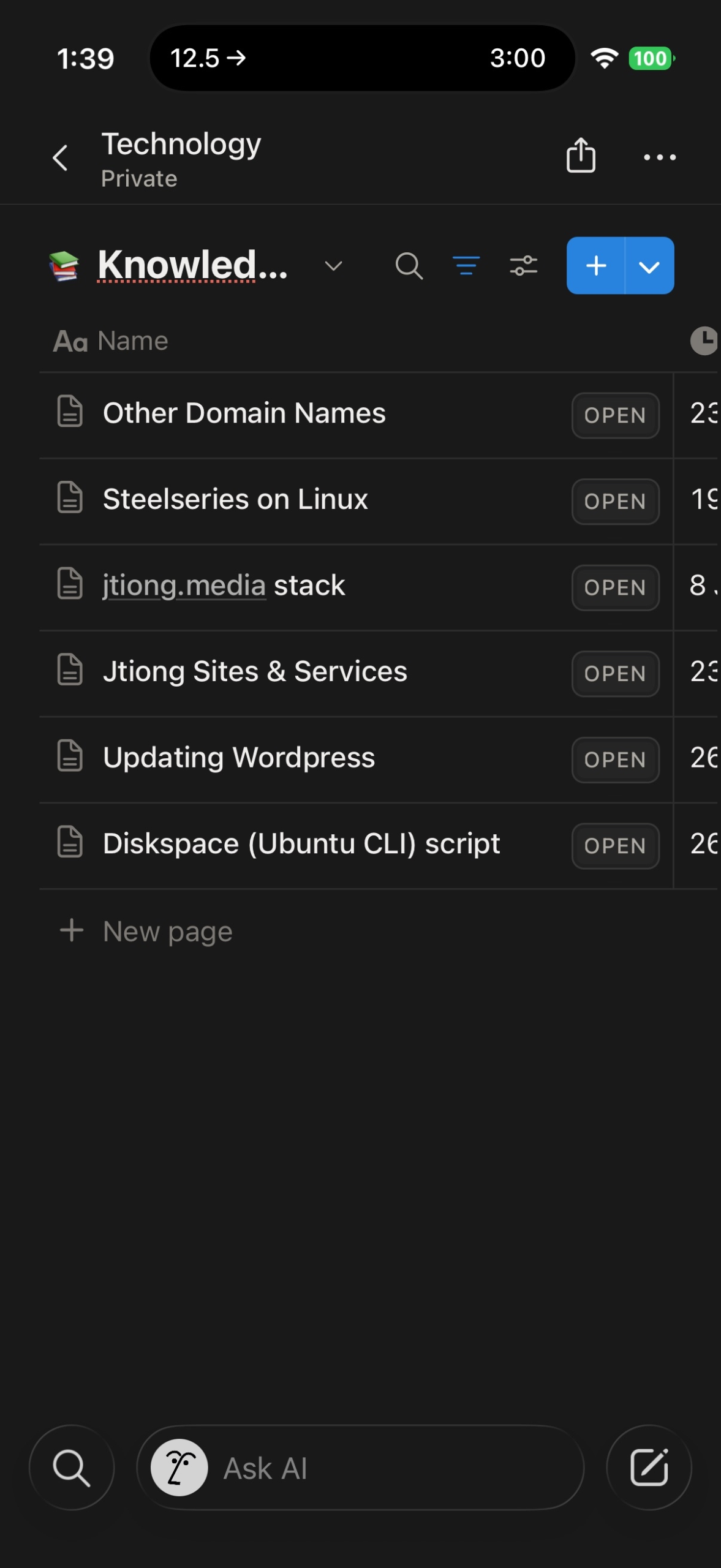
It doesn’t hurt that Notion is available across iOS, iPadOS, and Windows – all my devices are able to access Notion smoothly. Even Linux based devices!
It means that I can smoothly access this knowledge from anywhere, and should the need arise, I can add to my “Diary” if need be to keep information tracked with a day’s entry into my journals.
Physical Bullet Journal
These are traditionally my handwritten journals that I’ve been doing since 2018 – they’re done in “classic” size gridded Moleskine book – soft covered.
Does it still make sense to have a hard copy journal?
This year so far I’ve stated doing the book as more of a long form journal rather than as a planner/bullet journal setup. I don’t carry this journal with me normally so it makes sense to turn it into something more long form, with nice photos and such.
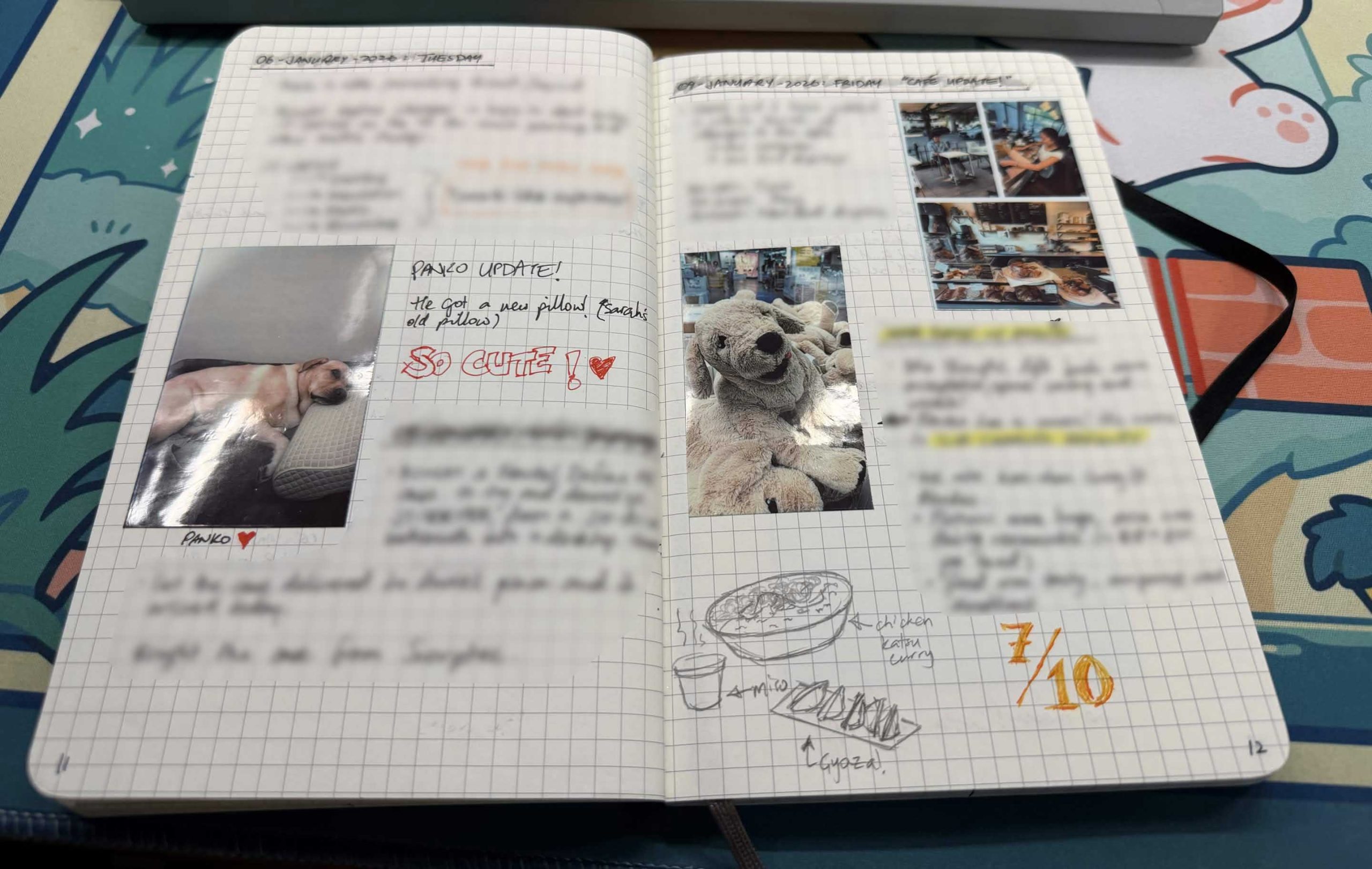
A digital journal, the wildcard…!
Something has been sitting in the back of my mind though about it all – as the times have been changing – does it still make sense to have a hard copy journal? The DayOne journal’s benefits are the multimedia capabilities of such a setup. I can include video footage, photos and even audio recordings per journal entry. That’s simply unbeatable in terms of “saving memories”.
The biggest advantage of a hard copy journal that a lot of proponents will push, is the fact that you have an emotional connection to the handwriting of the journal – you can tell someone’s mood, state of mind or general vibe from how they’ve written on the page (e.g. agitated writing might be sharper or more jagged in the lettering; calmer might be rounder and smoother, etc.) but that becomes moot with something like an iPad Pro, and the Notability app. I can handwrite, and scribble, doodle, and draw my way through a “journal” all while still embedding multimedia into the page, almost like a living Harry Potter Newspaper-esque experience!
Travelers’ Notebook (Passport Size)
I also have a Travelers’ Notebook – a little pocket-sized journal that I can use on the go as well.
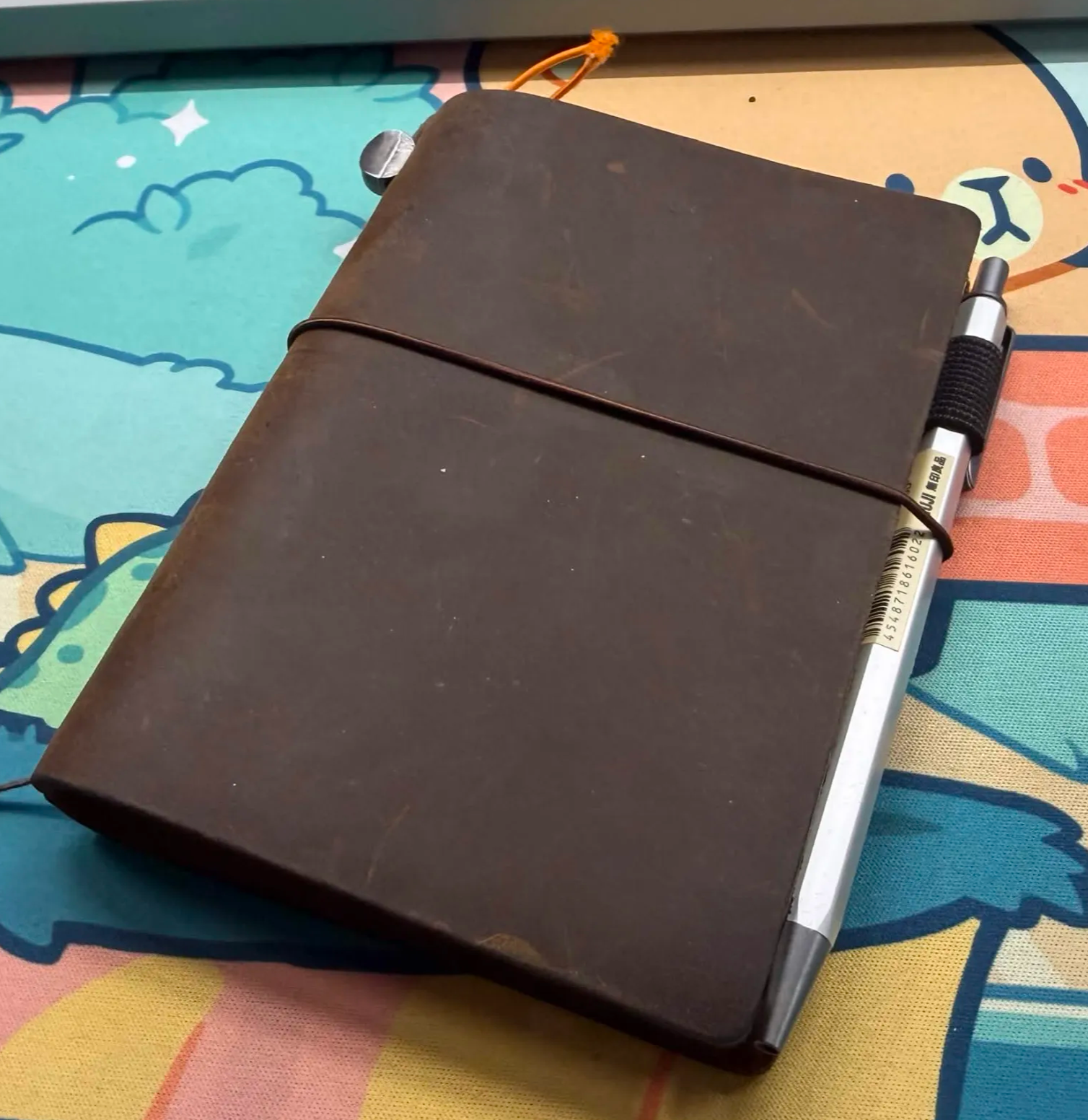
limited edition Tokyo Station standard size Travelers’ Notebook
Originally after first buying the standard sized journal as a souvenir from Tokyo as well as this passport sized notebook – I couldn’t figure out how such a structure would match the bullet journaling methods I use or how it would fit in with what I do. It uses slim notebook refills and doesn’t seem to be appropriate for the longer form style of journaling that I’m beginning to do.
“Bullet Journaling” on a lighter note seems to be the answer for me – it’s less about doing bullet journals in the way I’ve always known them, and more using the Traveler’s Notebook as a sort of physical life planner that logs appointments to keep, as well as a sort of daily log of where I’ve been or what I’ve done in bullet point format.
There’s 2 refills I keep within the book, and a small kraftpaper folder to hold things like spare cards.
The first refill is an undated monthly view planner book; the second refill is a dotted grid book. Keeping a physical planner system is probably going to be more significant to me as I can look back for a quick jog of the memory for a day’s “traveled journey”.
Coming to a decision
I think it’s time to make the switch to a fully digital journal. Being able to put my thoughts to screen above – led me to realise that Notability is the solution to my future journal needs. It covers:
- the emotional connection of hand-writing and drawing my entries
- being able to embed photos, video and audio into the page for multimedia entries
- iCloud based backup for future use across devices
- on device storage for the Notability files is possible
- editing the journal is far easier – I can select, move, resize things as needed
It also gives my iPad Pro an important use case, aside from just being a graphics tablet and secondary monitor for my laptop, or my desktop – it’s also the device I update my journal in. So there’s clearly a lot of boxes it ticks.
Figuring out the negatives however, are pretty simple:
- it’s battery powered
- there’s an Apple Pencil involved – and that’s expensive…!
There’s a whole load more upsides than downsides – and I haven’t even covered everything. But at this point it’s clear that it’s the future of my journaling.
So here’s to making my iPad far more useful to myself again! 🤣