Rebuilding that Second Brain
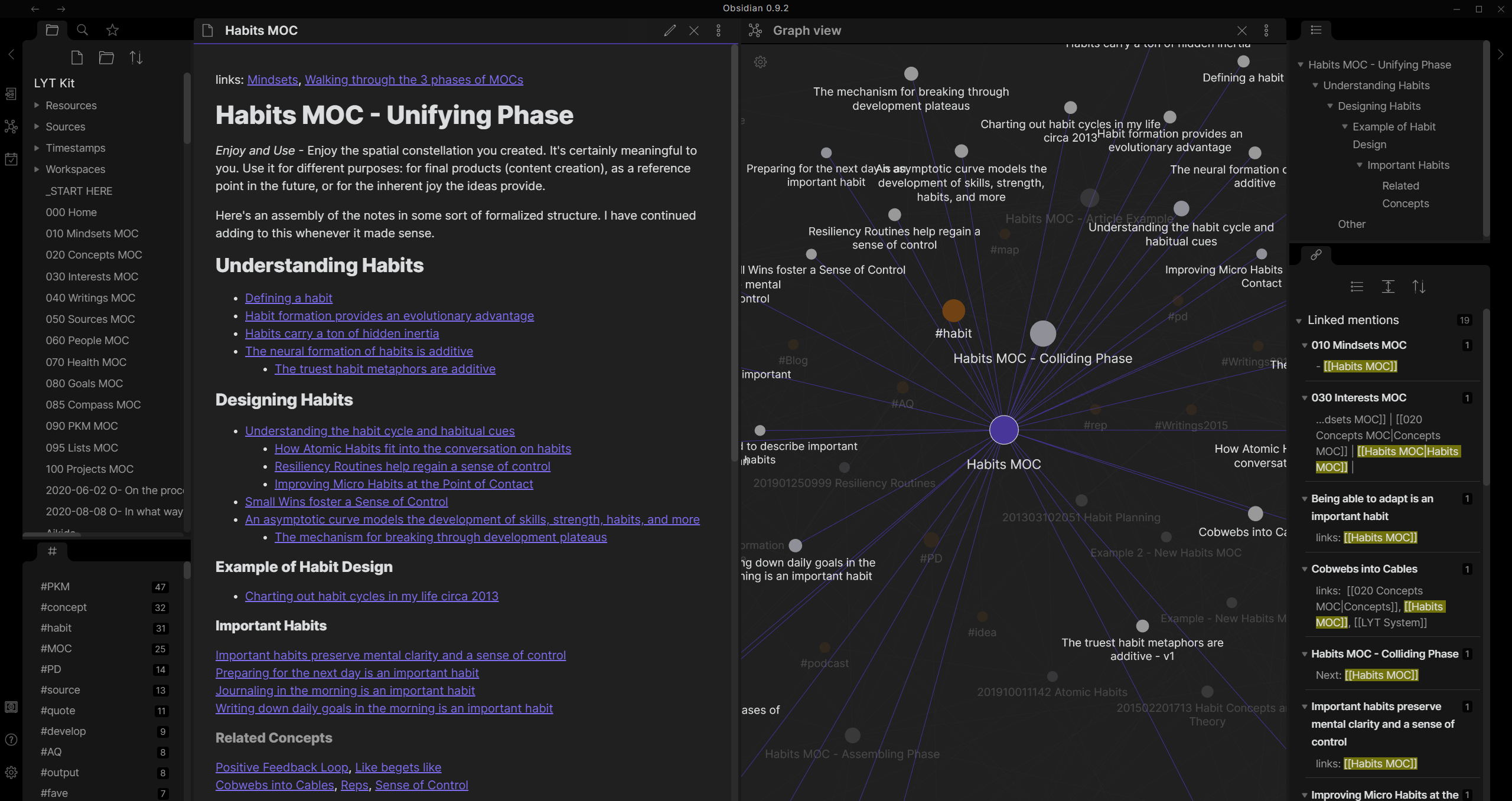
Back in a previous post about Obsidian, I mentioned that I was paying for Notion, and Clickup. In an attempt to reduce my overhead costs, I had initially started using Obsidian as my main PKMS (Personal Knowledge Management System — I didn’t make the acronym up, there’s a fantastic sub-Reddit you can find at r/PKMS). I have since been bouncing between Notion, Obsidian and a newcomer, Affine Pro.
I whip my brain back and forth
Obsidian has long been my PKMS of choice ever since that post, and I use it to store a lot of notes about well… everything really. It syncs files across my devices so they’re available offline and stored locally as needed versus other solutions like Notion, Affine, or Evernote – which all have offline abilities, but they’re online-first applications, built around their SaaS models. I don’t begrudge them that, they’re innovative and beautiful apps to use, and end of the day they also need to make money to survive, but they’re not for my needs (some examples being, sometimes I’m travelling or adventuring around off-grid, and internet isn’t always present).
Then I got a headache…
The problem? Well, I ended up having to fork over $20 USD a month for Obsidian Publish; and $5 USD a month for Obsidian Sync to keep things between my Apple and Windows devices happy, as well as sharing stuff with my friends and family from my Vault as needed.
Then, to make things easier and more maintainable for my business ventures I ended up also returning to Notion, for its ease of accessibility and the quick ability to publish and share notes with associates as required.
Obsidian slowly fell to the wayside. However in true millennial fashion, I of course, forgot completely that I was still paying a subscription for both Obsidian Sync and Obsidian Publish (which lets me Publish a vault that honestly, is a bit too much of a hassle to get my head around arranging information for it).
Ruling out the very Notion of it…
So, on top of going against my initial reasons for switching to Obsidian, I ended up also using Notion (which I mentioned as recently as just last month). Of course, my primary concerns remained as follows:
- I can’t put personally sensitive (to me) data on Notion (e.g. old family photo albums, scans of PII documents, etc.)
- I also don’t know if Notion might ever go offline permanently – they’re a business, and sometimes business close (possibly due to factors outside their control)
- And if for whatever reason their Terms & Conditions suddenly mean I can’t use their services anymore? All that information is locked away and potentially lost forever (or at least, trained in some giant AI data lake😂)
I don’t really mind using Notion for business reasons – it’s ephemeral and I consider it a tool of the trade; and in the end, anything that is truly something I want to keep I can easily copy & paste into my (potential) Obsidian Vault as required.
Apples to … Windows to … Robots to … Penguins?
And so with these concerns in mind – Obsidian and Affine Pro have become of greater interest to me! There’s some points of comparison to make, and I realised after initially making this table from a ❎ and ☑️ based list, that it isn’t that simple. Instead I’m going to use a scale of 0 to 3 for each feature set:
0. This feature is not feasible at all;
1. This feature requires manual implementation
2. This feature has a plugin that needs customisation
3. This feature is fully supported within the app
That should then give me an overall score for each app by adding all the points up together and give me more of a direction to head in:
| Features | Obsidian | Affine |
|---|---|---|
| Portable data in files | 3 | 0 |
| Backups/Restore of data | 3 | 1 |
| Publish notes to the web quickly | 2 | 3 |
| Built-in Mind Mapping | 2 | 3 |
| Databases (Tables with Pages-linked) | 1 | 3 |
| Mobile application | 3 | 2 |
| Sync across devices (Win/iOS/Android) | 1 | 3 |
| Customisable themes & layout | 3 | 0 |
| Query style notes filtering | 3 | 1 |
| TOTAL SCORE | 21 | 15 |
It’s pretty clear here that Obsidian is winning in the feature set that I’m looking at above. This comparison table should definitely be treated with the caveat that the feature set is a little biased, and it certainly only works within a context for my personal use.
A matter of being in sync, bro…
My personal device setup has always consisted of an iPhone, an iPad (previously a laptop, usually a Macbook Air/Pro) and my personal Windows PC (mostly for gaming). And that’s where Obsidian actually starts to unravel quite a bit.
Synchronizing the “vault” you create between a Windows or Android device and an Apple device just simply does not work well with iCloud, or any other Cloud Storage provider, unless you’re using the Obsidian Sync service.
- Windows to Android = Fine
- Apple to Apple = Fine
- Apple to Android = File duplication conflicts, etc.
- Apple to Windows = File duplication conflicts, etc.
I shouldn’t really be surprised, Apple has always been less about usability and more about the Apple User Experience – having a great experience as long as you’re doing things “with Apple” is paramount; whilst everything else falls by the wayside. It sounds like a counter-productive stance in philosophy, but it’s that same philosophy that led Apple to its market prominence.
So with my return to Obsidian being more likely; fixing this Sync problem without having to spend $5 USD a month, is now one of the primary goals of my little project.
Obsidian-LiveSync
A self-hosted solution called Obsidian-LiveSync by vrtmrz on Github
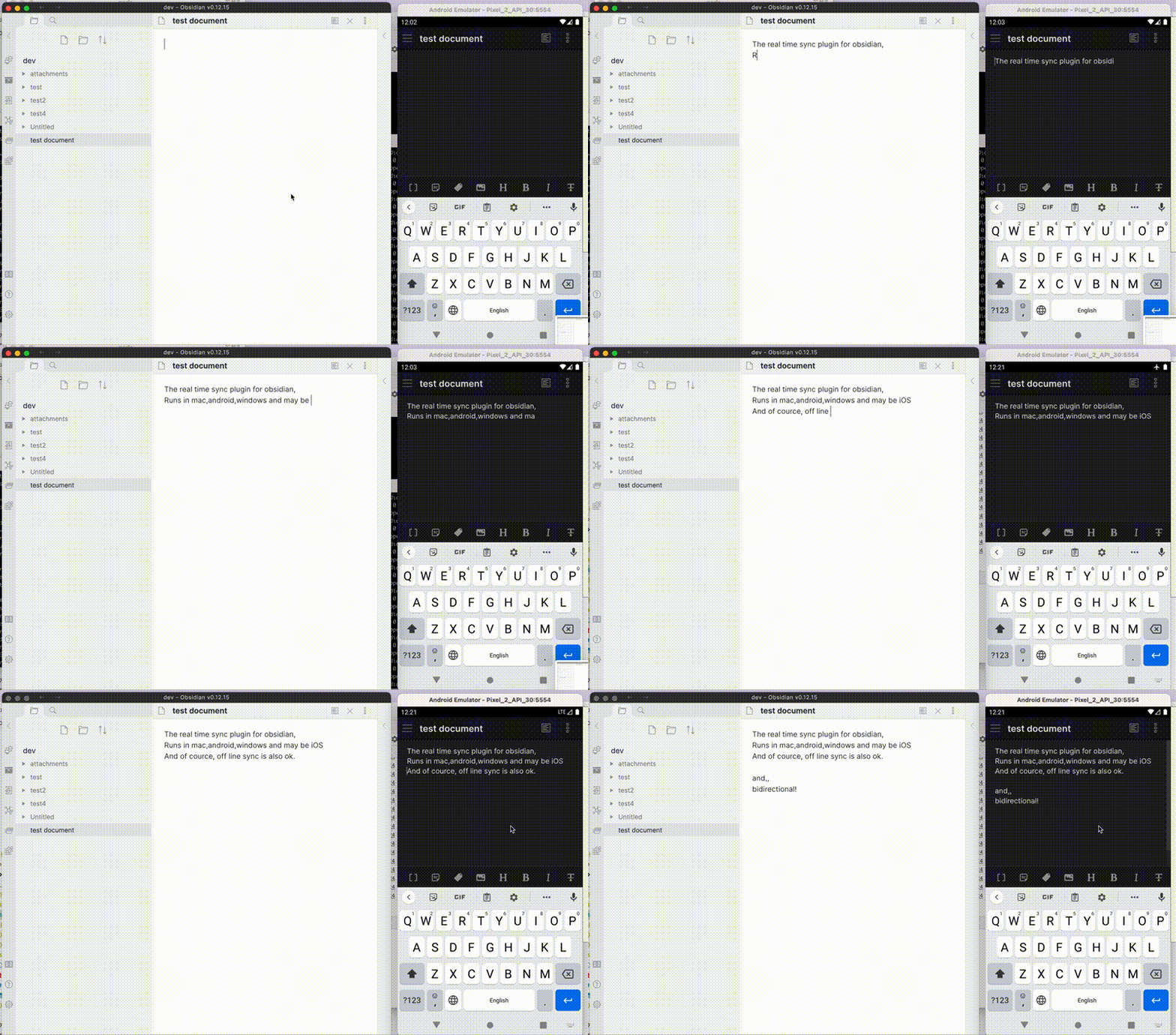
It’s designed to act as a man-in-the-middle replication server using CouchDB on your own hosted hardware (wow, luckily I’m obsessed with Homelabbing) that your devices synchronise themselves with. Essentially self-hosting your own Obsidian Sync service, all for the cost of your existing hardware and operating costs.
It took a little bit of wrangling to get the project running, but it was all user error on my part (some confusion about SSL certificates, and folder ownership) – but now that it’s running, I’ve been testing it out between my Windows PC, and my iPhone and it’s been working a treat!
Highly recommending this project for anyone looking for a cost-effective solution with a caveat that they’re already running a bunch of stuff on their homelab!
What about Publishing?
Obsidian Publish is actually the bigger headache – and warrants a separate blog post all on its own, but for now, getting Sync working nicely like this is enough to make me start the long migration process into a fresh new vault that combines things from my old vault, and current Notion install.
Once I figure out the Publish workflow for my own self hosted stuff, it should be a simple matter of just cancelling all my subscriptions 🙂
Stay tuned for the Obsidian Publish replacement adventures!